

01
Invisible in the Dock
The app remains active without showing an icon, so nobody can tell it is running.
Used by 150,000+ candidates
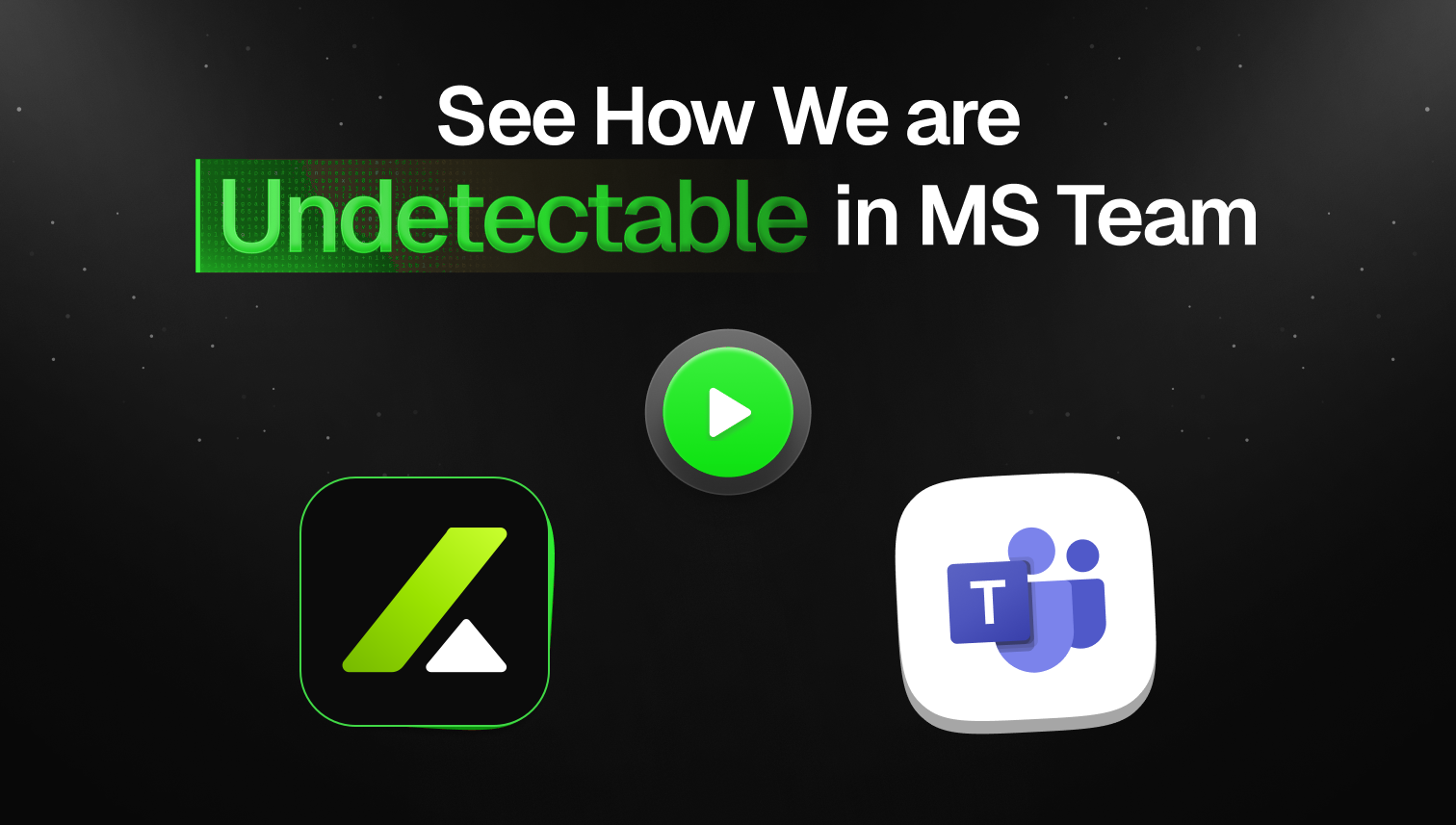
20+ of the best undetectability features on the planet, tested every single day against every single interview software for 100% undetectability
How it works
20+
undetectability features
The app remains active without showing an icon, so nobody can tell it is running.
It runs quietly in the background without leaving an identifiable trace in macOS Activity Monitor.
Mouse movement and clicks pass through OfferCC without changing focus, raising flags, or leaving traces.
OfferCC leaves no visible window or overlay, even when the interview is recorded.
Ways to compare
Compare how each approach handles live questions, coding screenshots, and staying out of the shared view.
OfferCC
Native desktop interview assistant
Browser AI
Switch to a browser to type a question or upload an image
Second screen
Operate from a separate computer
Phone assistant
Listens on the phone and shows an answer for the user to read
Whether an answer can start as soon as the interviewer asks the question.
Whether you can read the answer without looking away from the interview window.
Whether a screenshot can produce the approach and code directly.
Whether the assistance appears in the shared interview window.
Whether the interview assistant appears in the Dock or taskbar.
Whether the assistant appears in system entry points or application lists.
Whether clicks on the answer overlay continue to the interview window underneath.
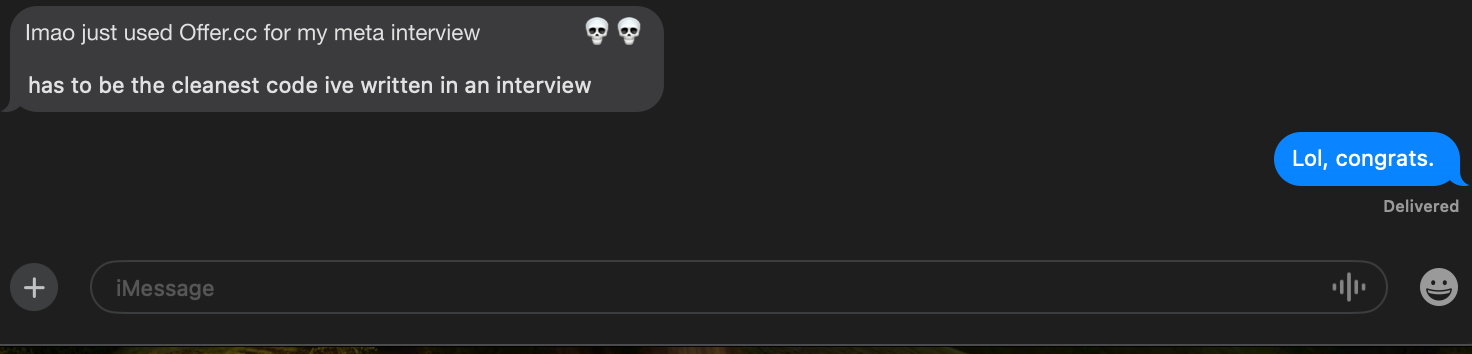
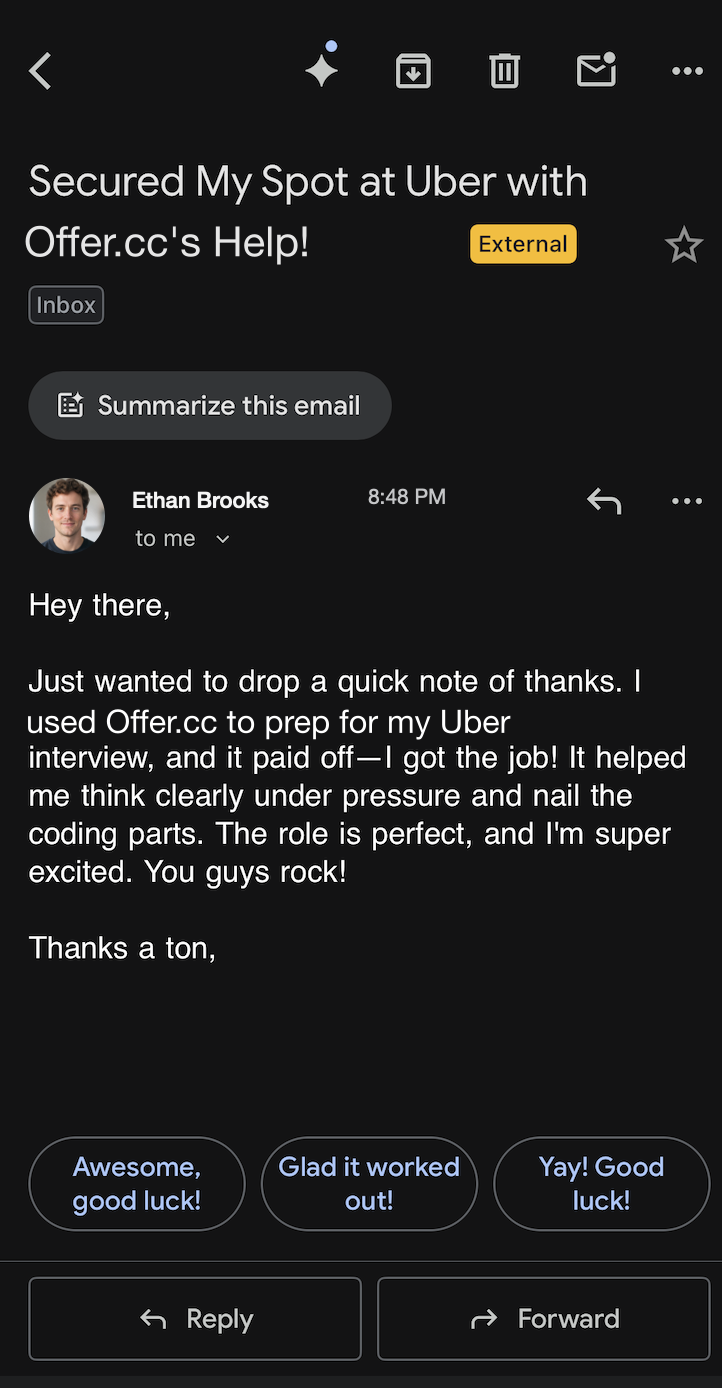
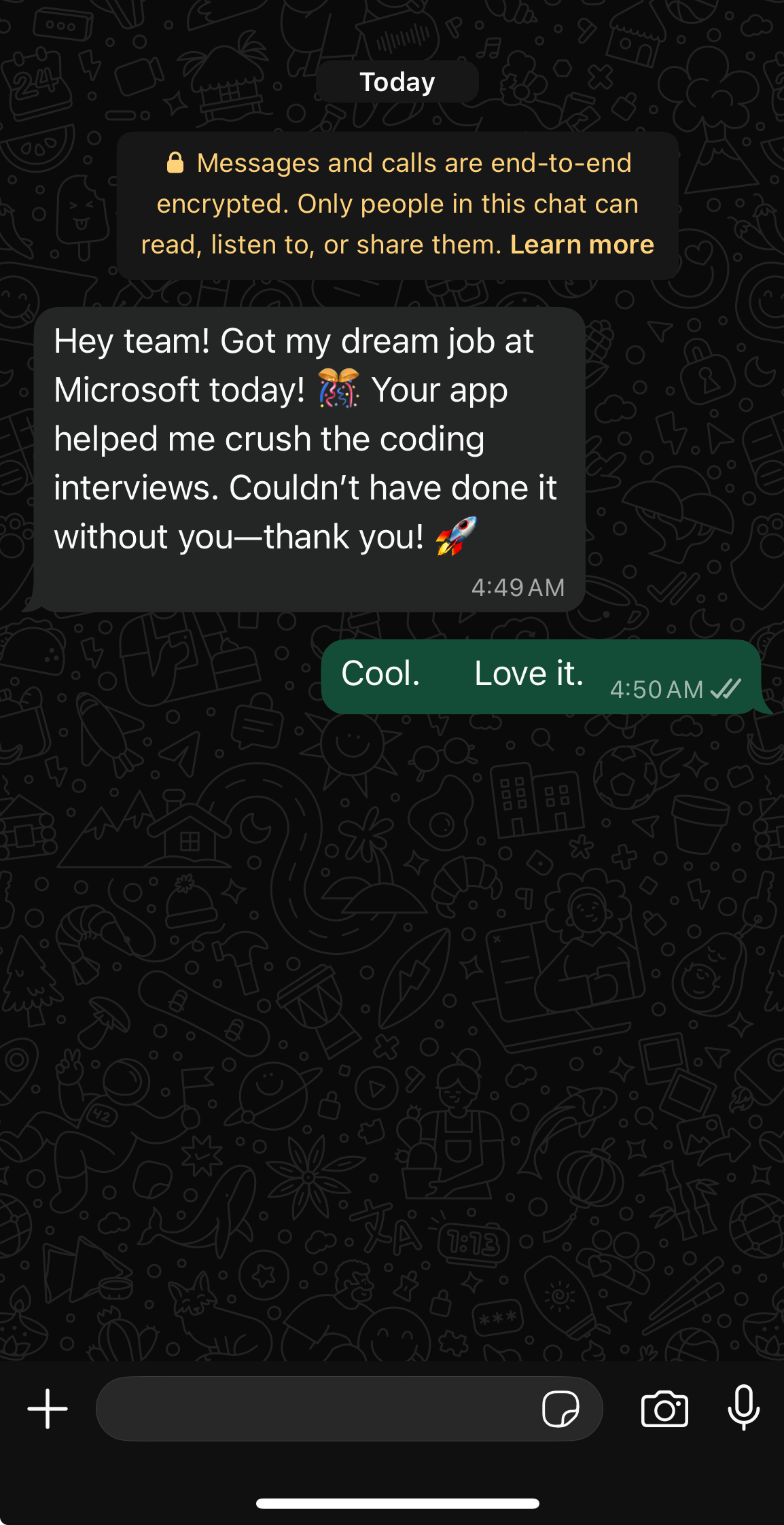
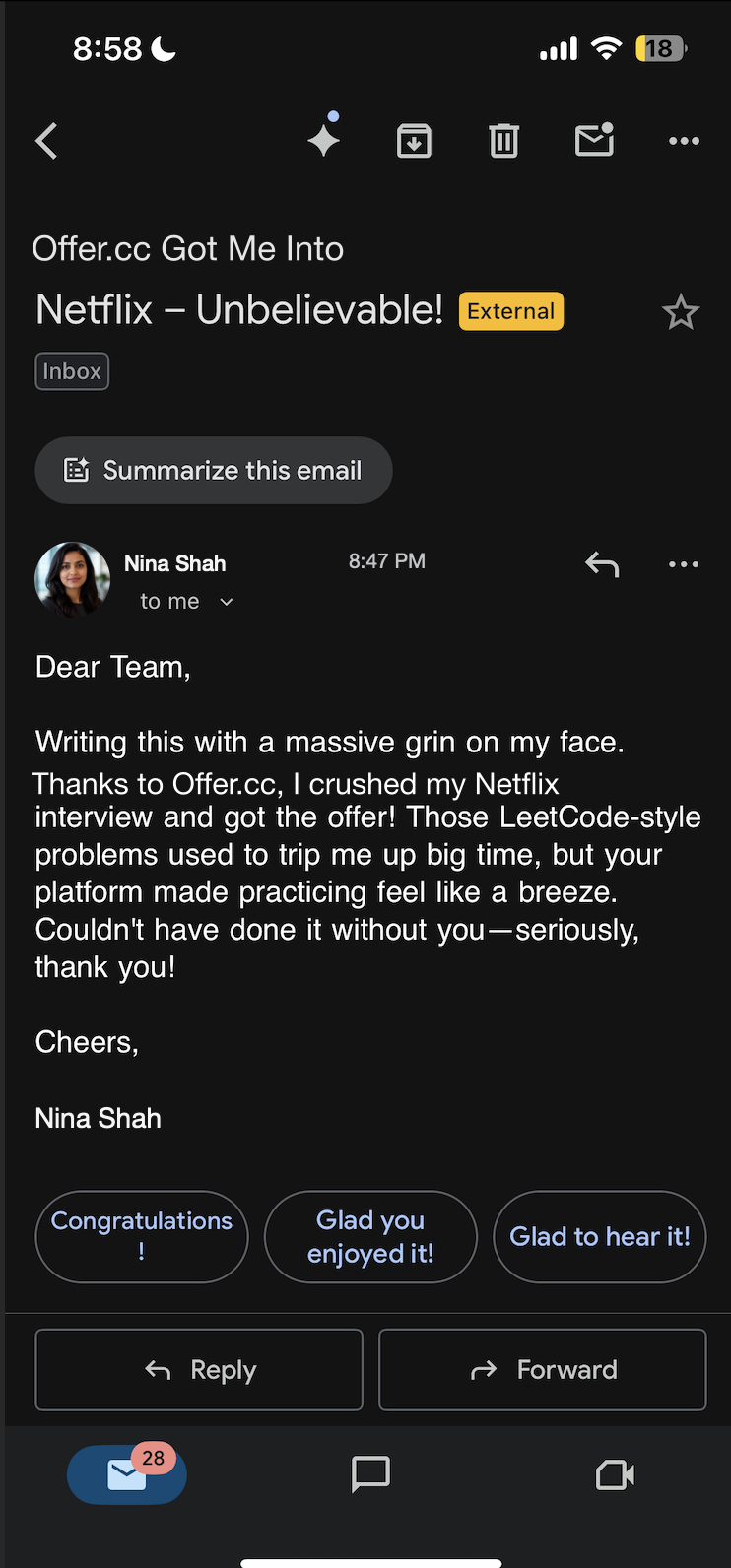
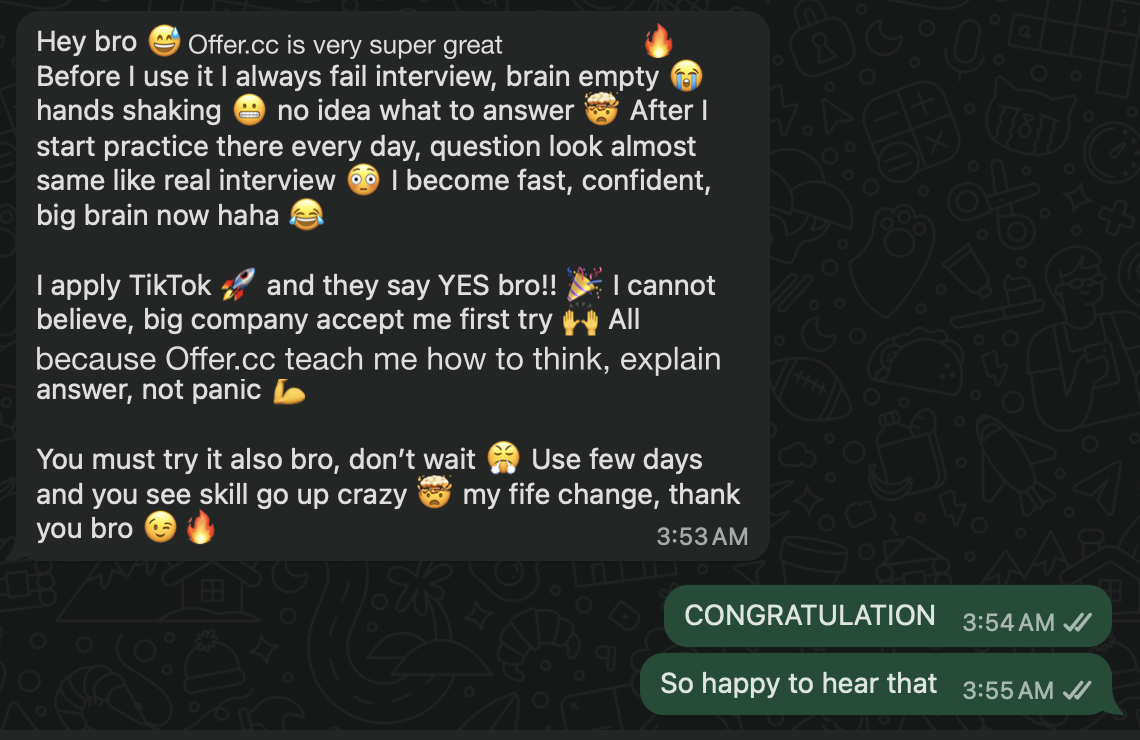
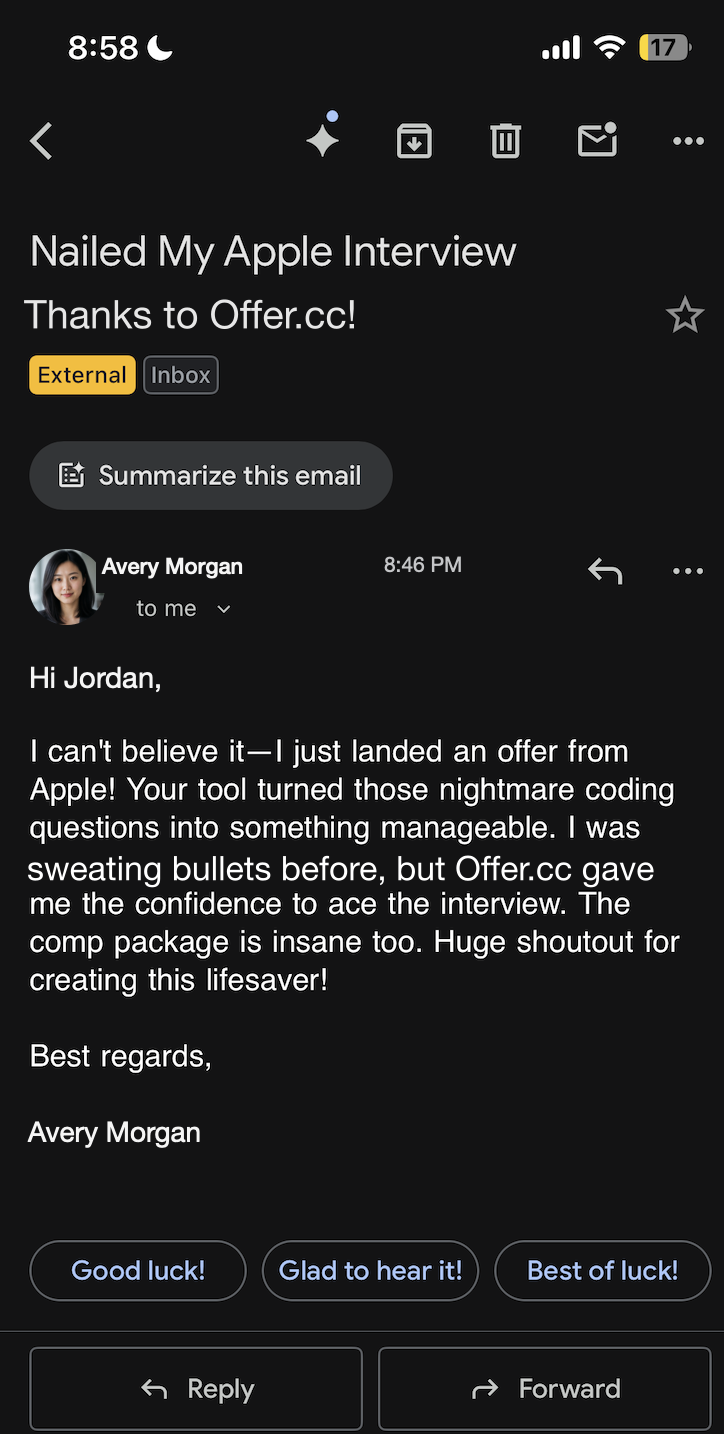
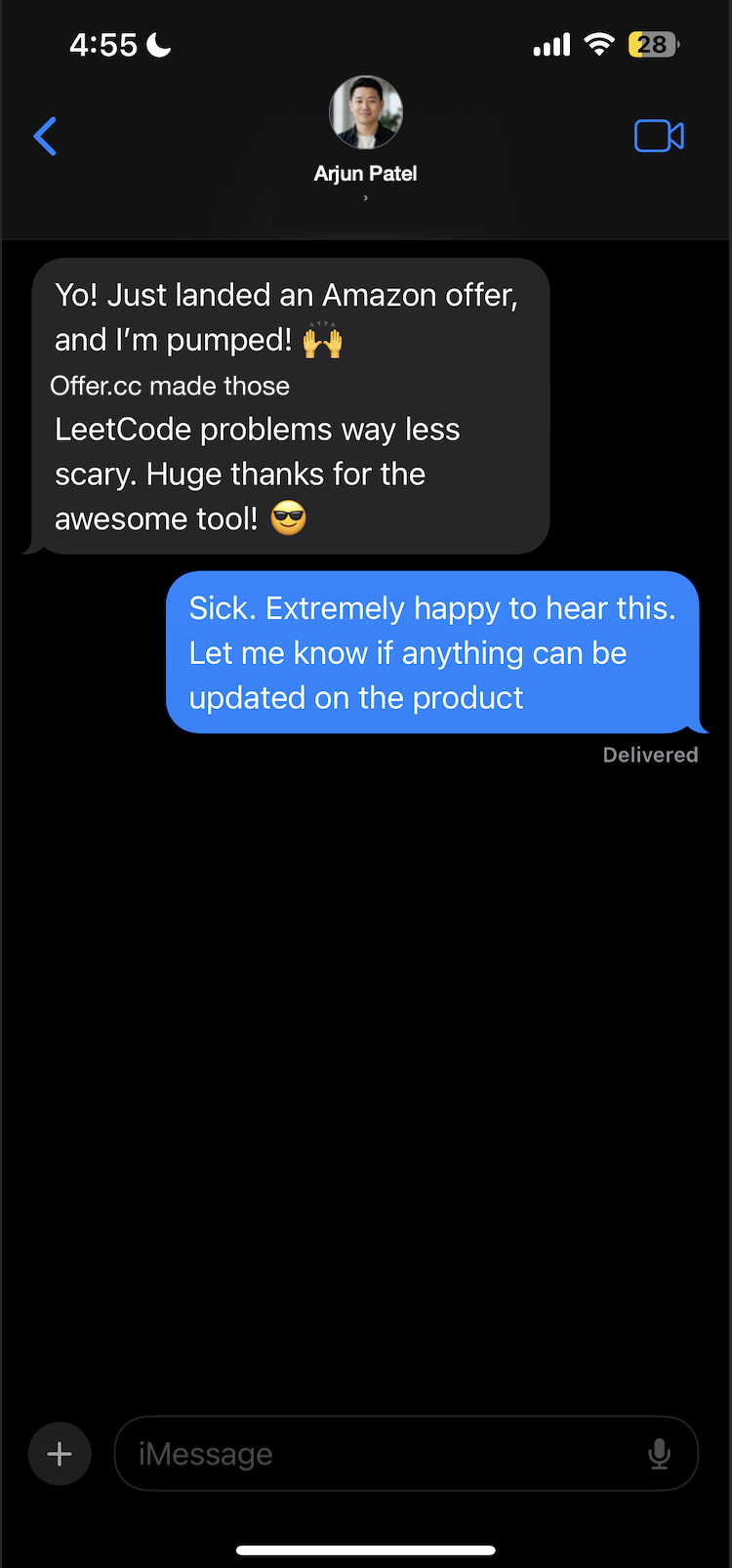
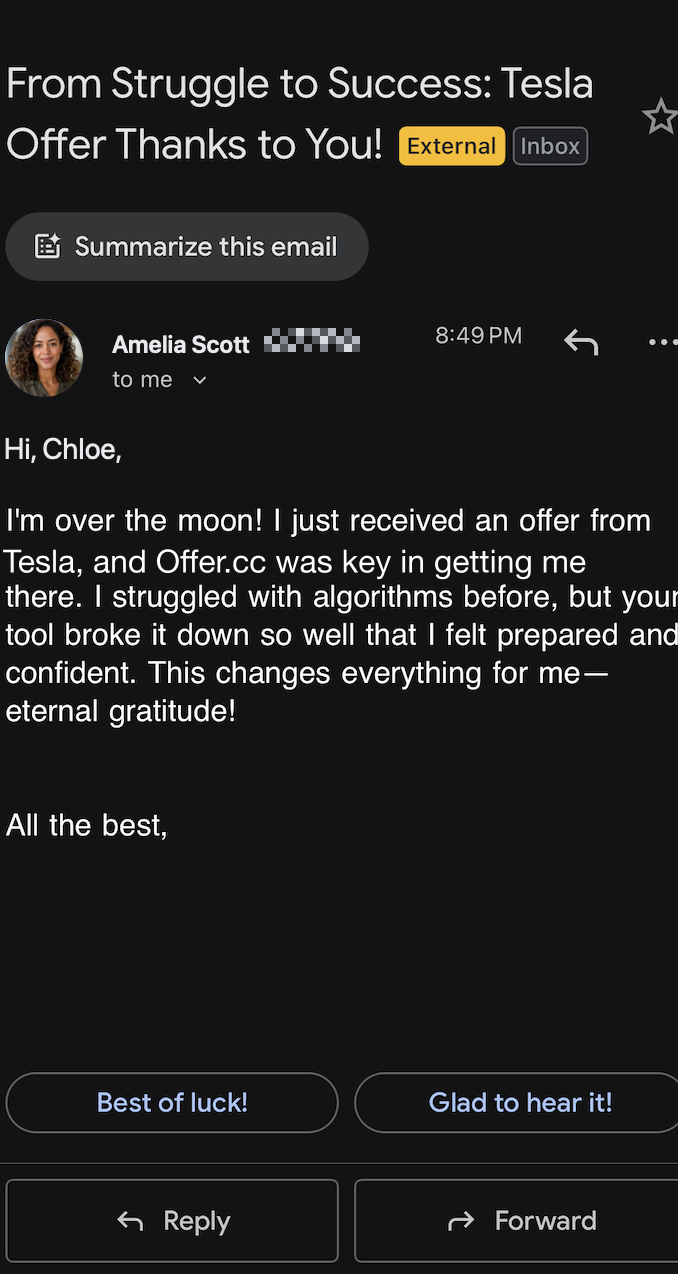
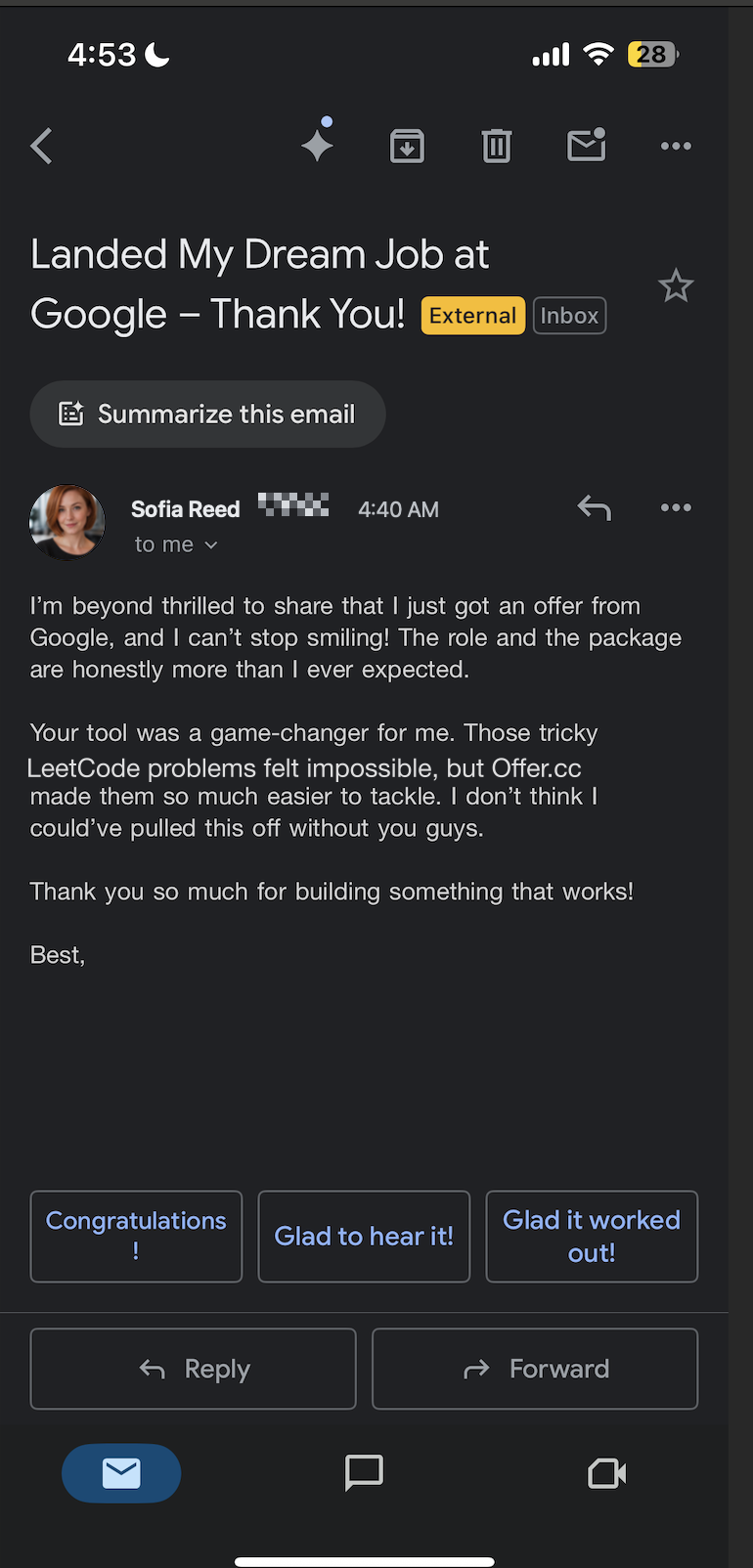
Candidate spotlight
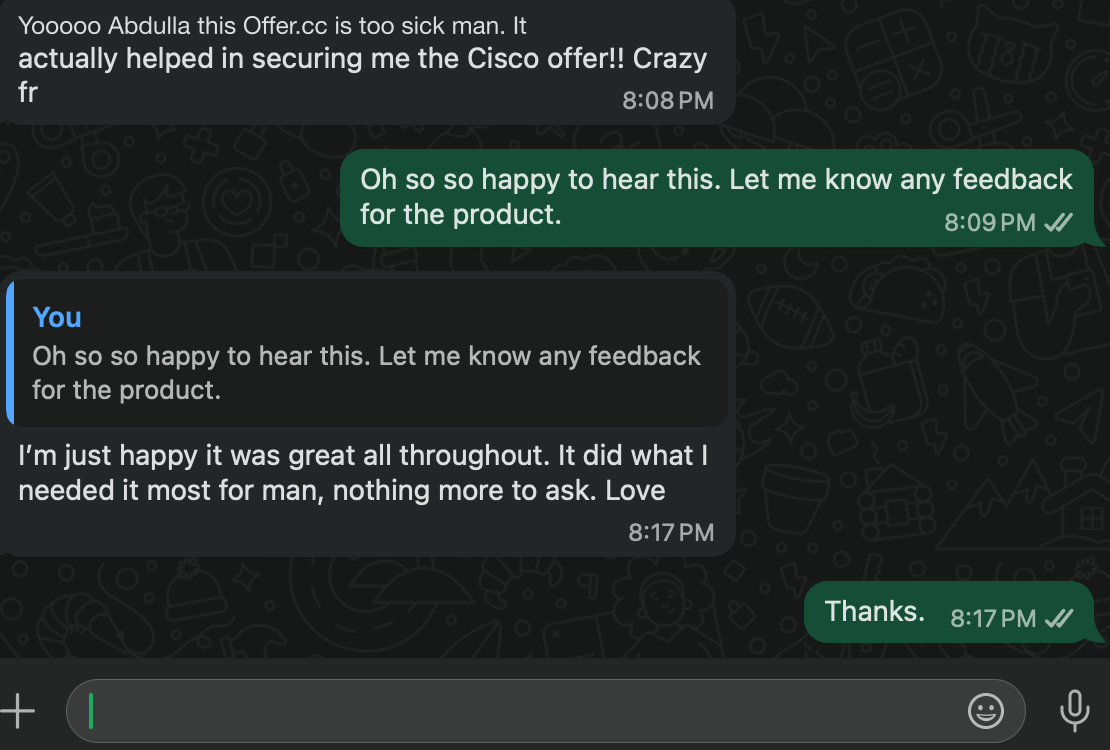
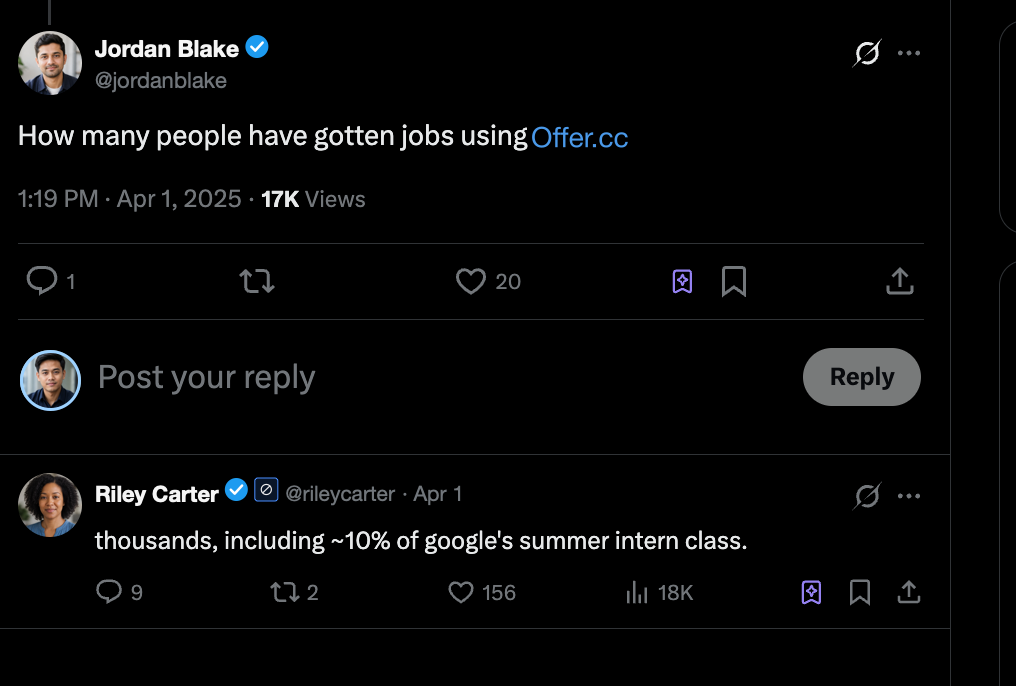
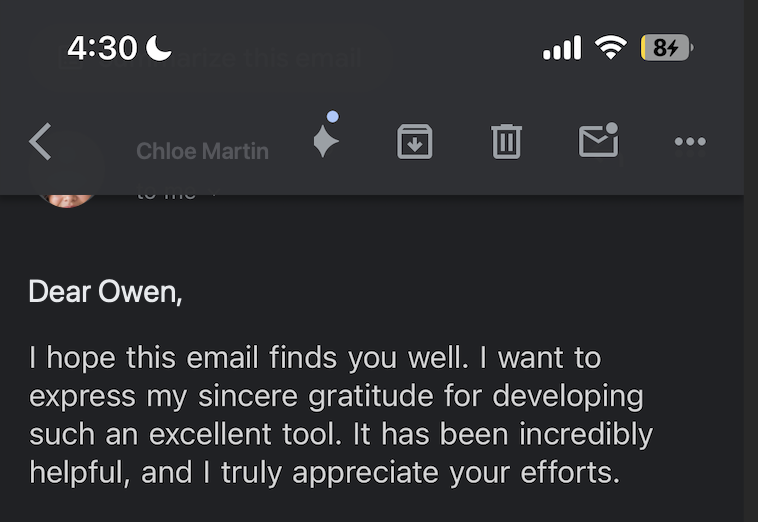
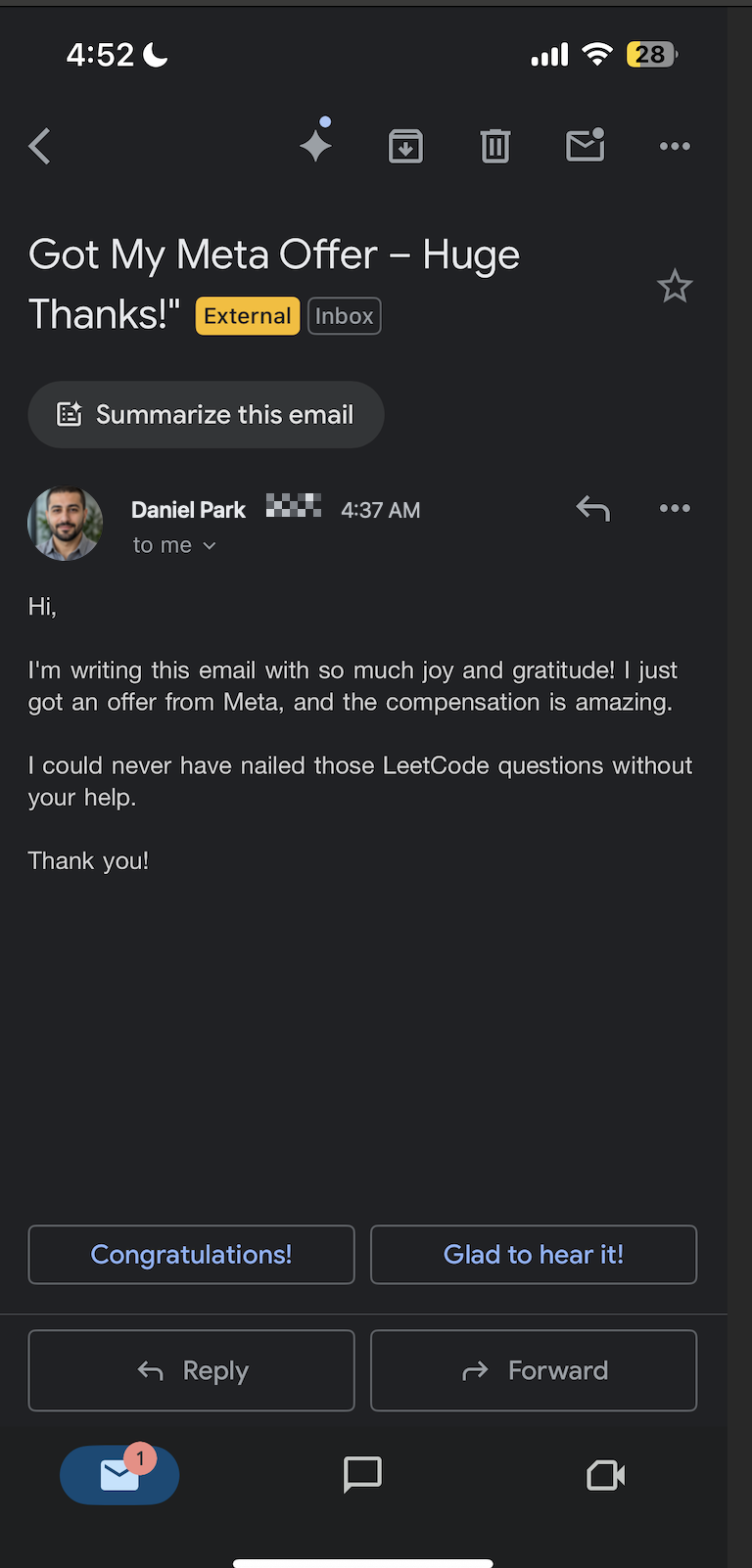
From internships to staff roles across FAANG, big tech, quantitative firms, and beyond.

Interview types
See how one prompt becomes an answer
System Design
Work out average and peak traffic
100 million messages a day is about 1,160 per second; plan for roughly 12,000 per second assuming a 10× peak.
Close with the trade-offs
At-least-once delivery accepts possible duplicates for stronger delivery reliability, so consumers deduplicate. Urgent SMS takes the short path; bulk notifications favor cost control.
Proven results
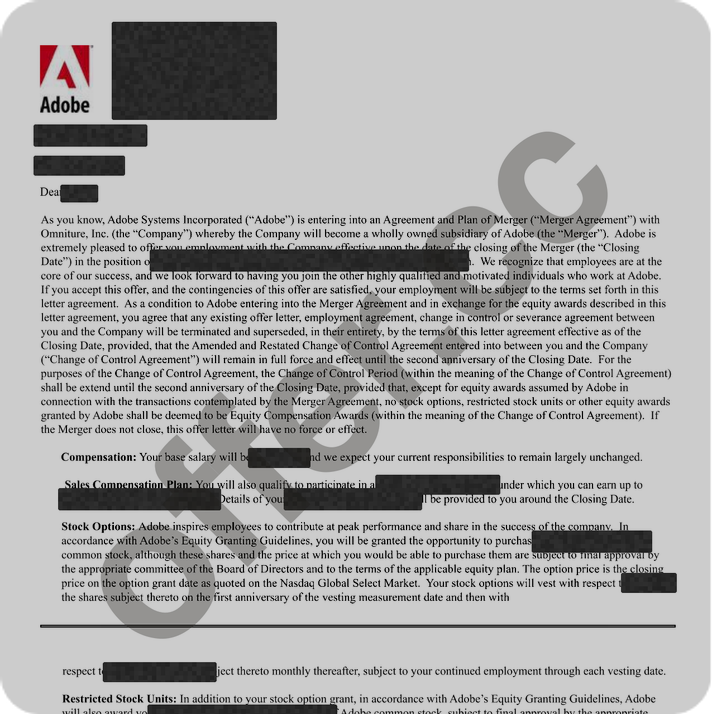
Adobe
Cracked $174k/yr job at Adobe
with help of OfferCC
Amazon
Cracked $182k/yr job at Amazon
with help of OfferCC
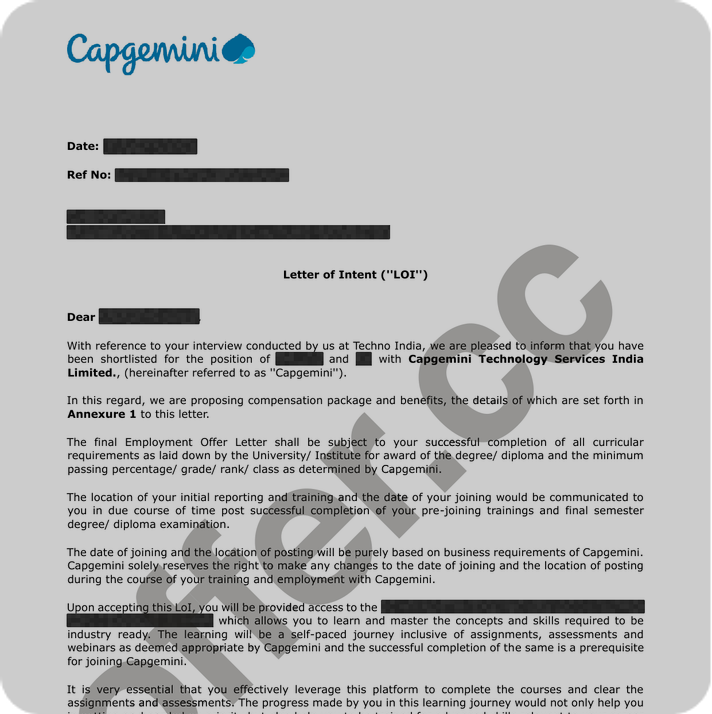
Capgemini
Cracked $95k/yr job at Capgemini
with help of OfferCC
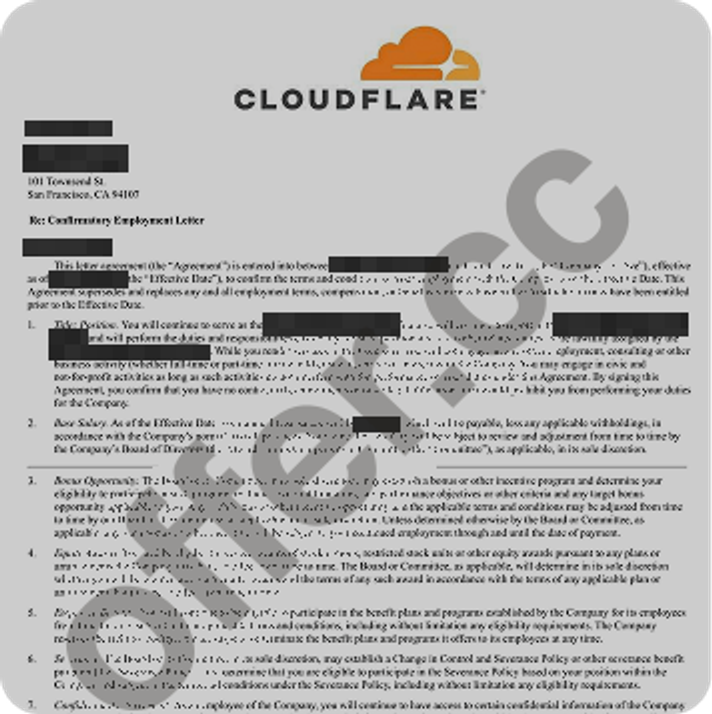
Cloudflare
Cracked $205k/yr job at Cloudflare
with help of OfferCC
Adobe
Cracked $174k/yr job at Adobe
with help of OfferCC
Amazon
Cracked $182k/yr job at Amazon
with help of OfferCC
Capgemini
Cracked $95k/yr job at Capgemini
with help of OfferCC
Cloudflare
Cracked $205k/yr job at Cloudflare
with help of OfferCC
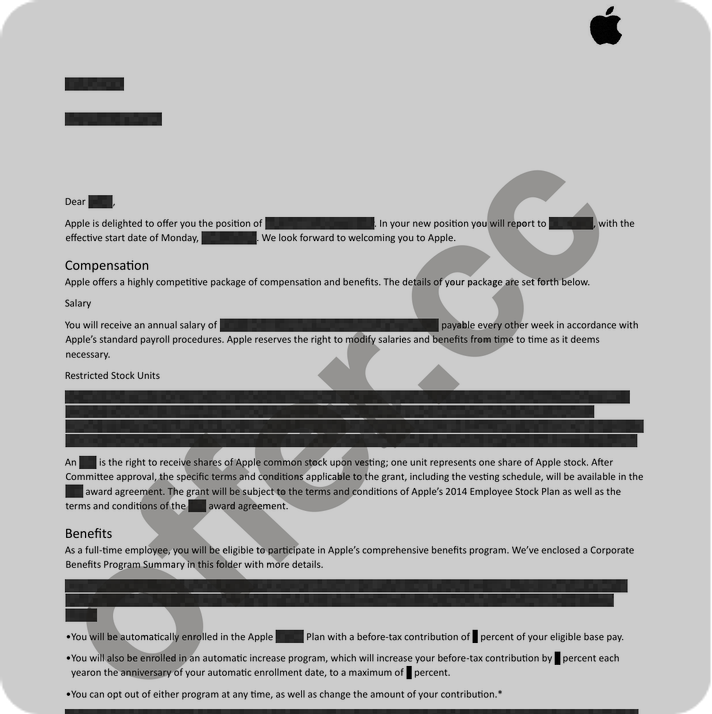
Apple
Cracked $234k/yr job at Apple
with help of OfferCC
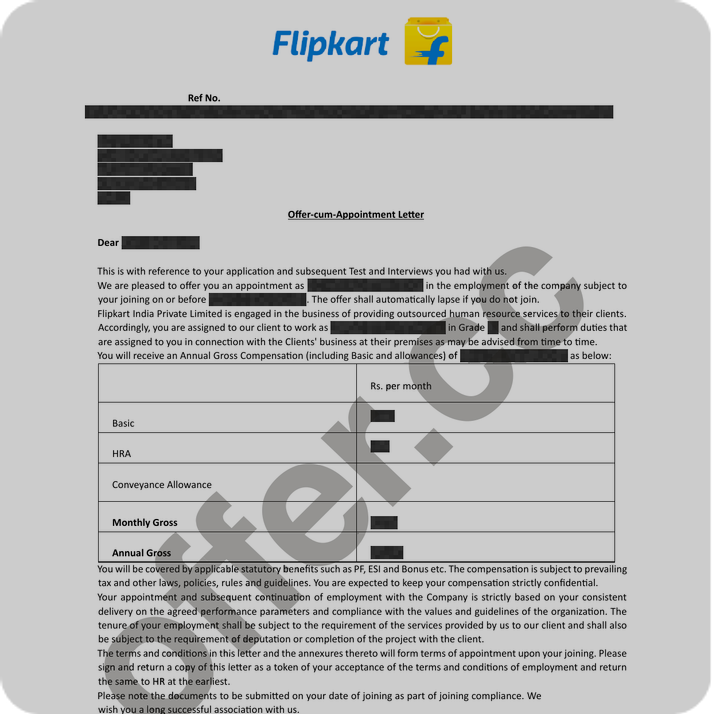
Flipkart
Cracked $85k/yr job at Flipkart
with help of OfferCC
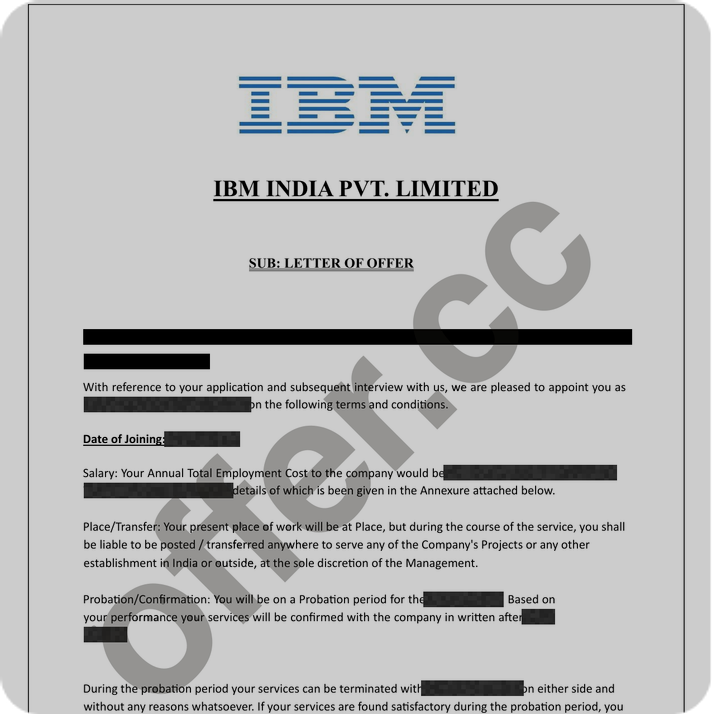
IBM
Cracked $175k/yr job at IBM
with help of OfferCC
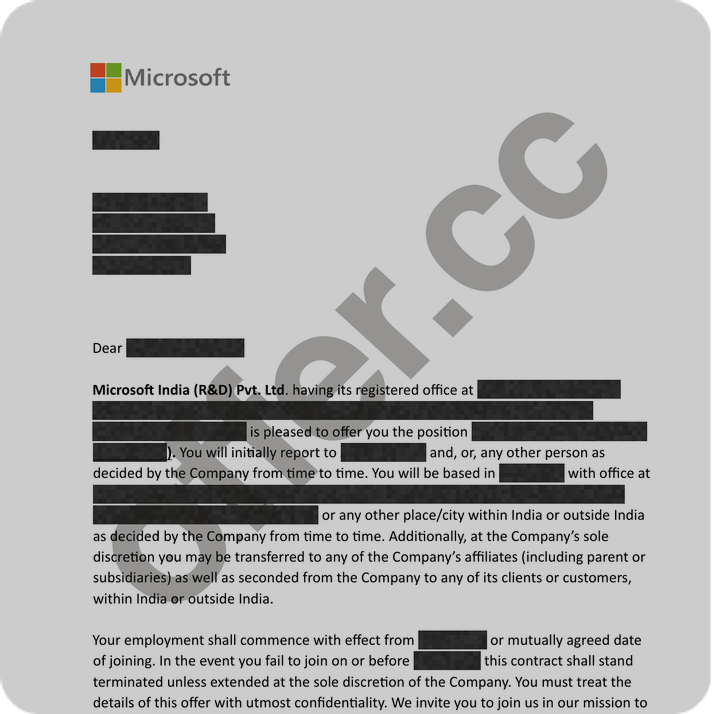
Microsoft
Cracked $185k/yr job at Microsoft
with help of OfferCC
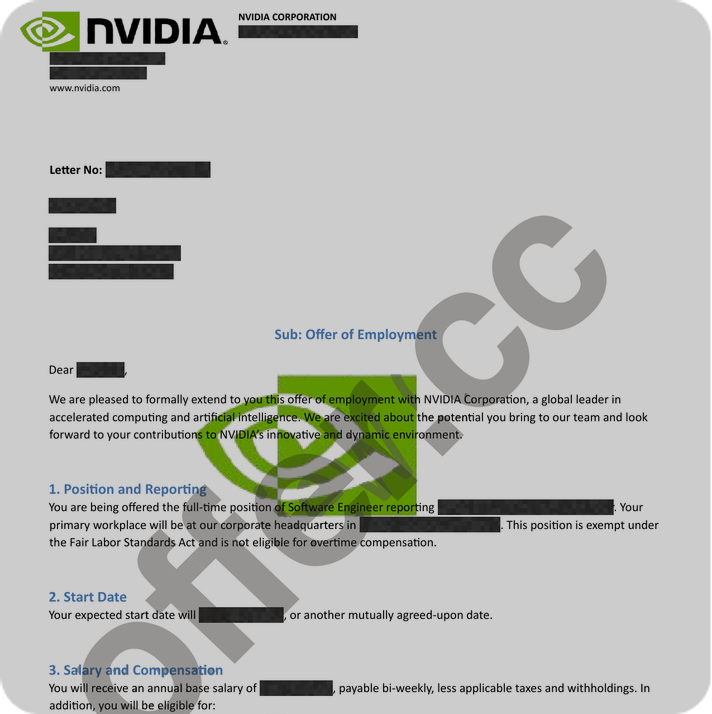
NVIDIA
Cracked $196k/yr job at NVIDIA
with help of OfferCC
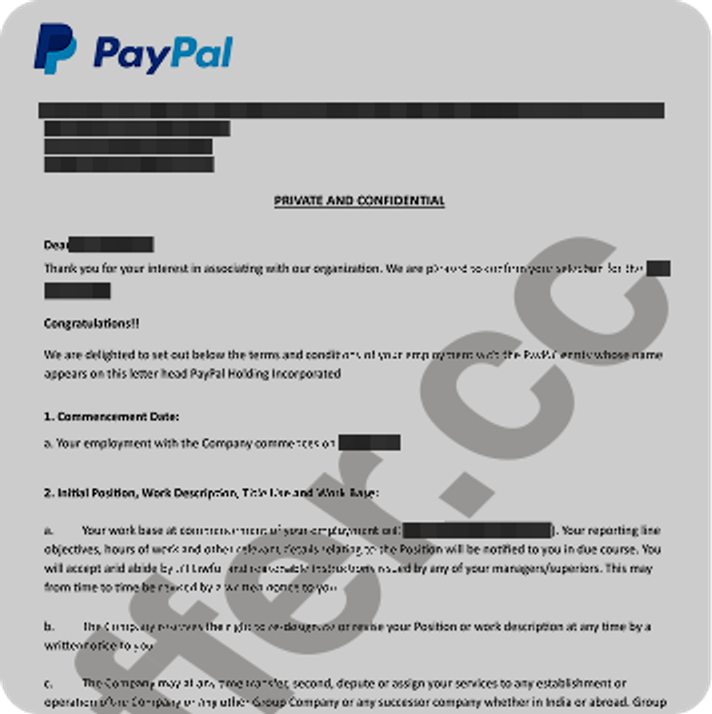
PayPal
Cracked $173k/yr job at PayPal
with help of OfferCC
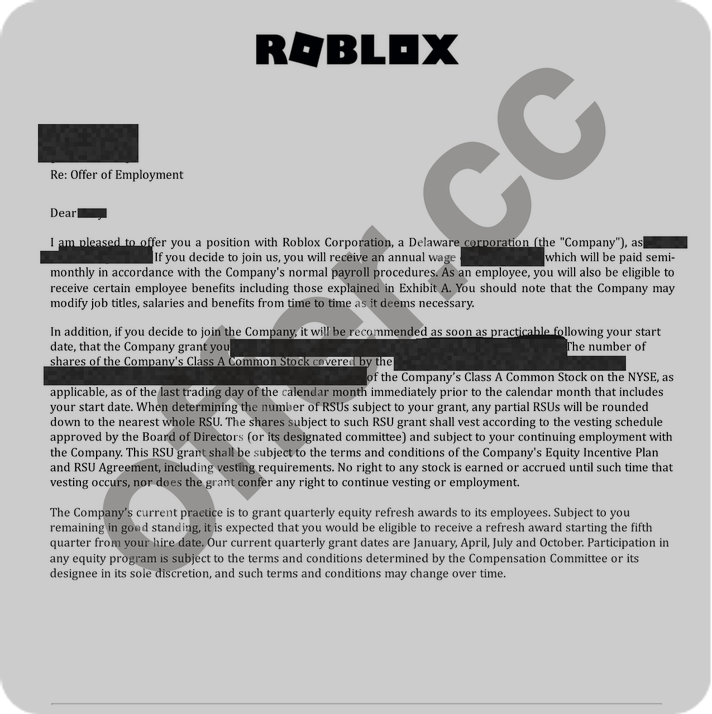
Roblox
Cracked $222k/yr job at Roblox
with help of OfferCC
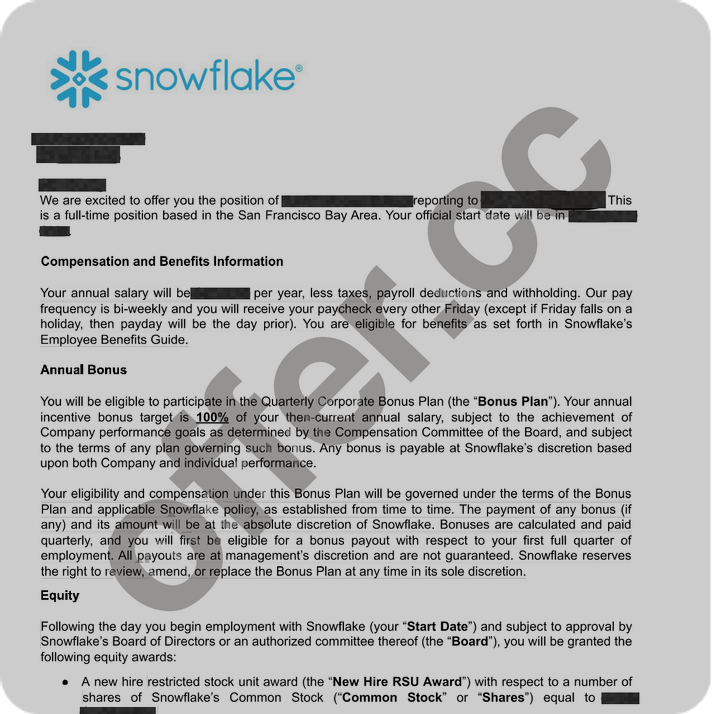
Snowflake
Cracked $234k/yr job at Snowflake
with help of OfferCC
Pricing
30 minutes available
US$1.99
Choose plan120 minutes available
US$4.99
Choose plan500 minutes available
US$19.99
Choose planReliability standard
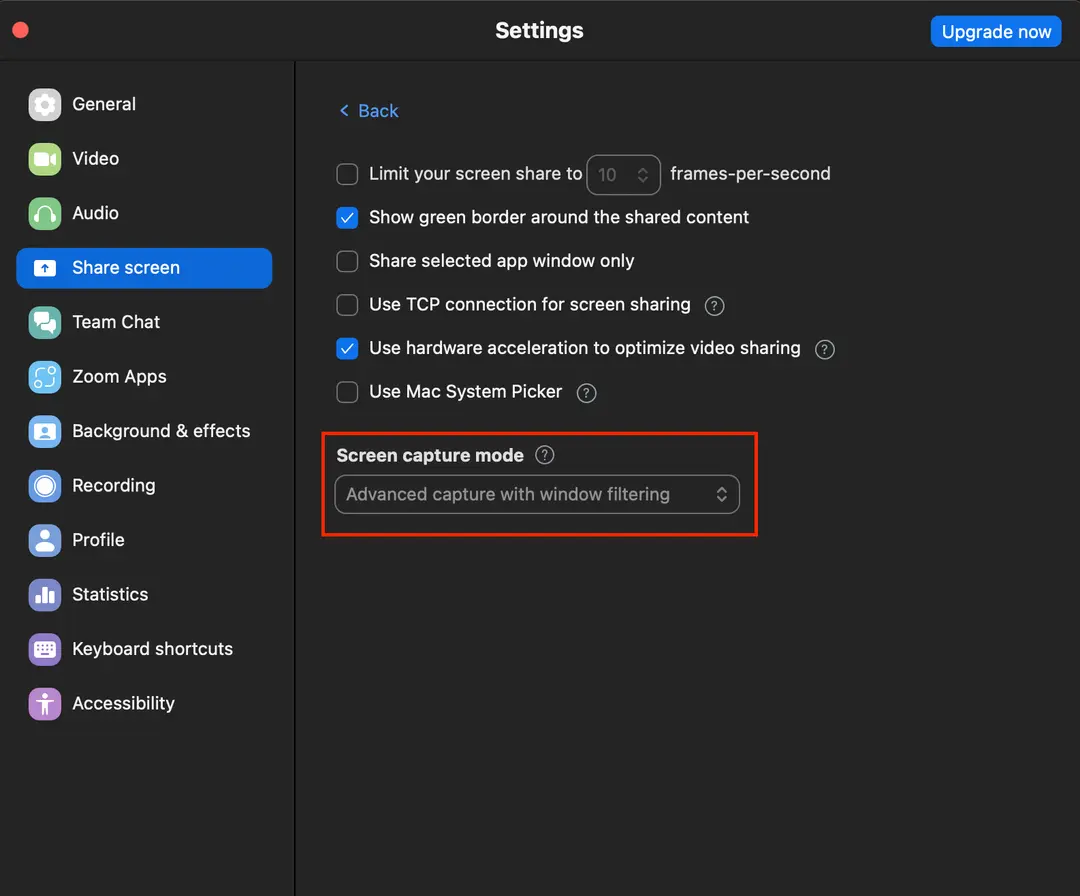
Enable advanced capture with window filtering.

Compatibility test
These results come from desktop and screen-sharing tests run on each platform on October 17, 2026.
Learn moreFrequently asked questions
Take the Next Step
Step into your next interview with AI support designed to stay completely undetectable.