



Native desktop overlay — invisible to screen share
The AI Interview Copilot That Stays Invisible
Real-Time Answers Across Your Entire Interview
OfferCC listens to each interview question and turns your resume, target role, and the live conversation into an answer you can say out loud. When a coding problem appears, capture it, then click Solve to get the approach, code, and complexity. Everything stays in a native desktop overlay while the shared screen remains clean.
- A spoken answer as soon as the interviewer finishes asking
- Tailored to your resume, role, and conversation
- Handles behavioral, technical, system design, and coding rounds
- A native desktop overlay visible only on your screen
- Works across major meeting and interview platforms
Product role interview32:18
128 minTake ScreenshotSolveShow/Hide
Why are you a good fit for this role?Answer ready
I’ve interviewed users and shipped product changes based on what I learned. That’s the same work this role calls for.
In my last role, I owned first-time setup. I interviewed new users and turned a seven-field form into a three-step flow, adding an example to each step.
After launch, new users could complete setup on their own. In this role, I would find where users get stuck, then make the flow easier to follow.
 Interviewer
Live support across the entire interview
From the first question to the final follow-up
- 01
Understands Every Question
As soon as the interviewer finishes asking, the answer structure and spoken response appear. Follow-ups continue from the same conversation.
- 02
Answers Sound Like Your Experience
Your resume, target role, and job description shape each response, grounding behavioral and project questions in work you actually did.
- 03
Capture the Problem, Then Click Solve
Capture the problem, then click Solve to get the approach, working code, and complexity analysis, then continue through debugging and optimization follow-ups.
- 04
Stays on Your Desktop
Answers stay in a native overlay on your screen while the meeting share remains clean and your attention stays in the interview window.
- 05
Click-Through Overlay
The overlay sits above the interview and passes clicks through, so you keep working in the meeting, editor, and question window.
Related interview scenarios
Getting started
From sign-up to your interview
- 01
Sign up and choose a plan
Create your OfferCC account and choose a current plan that fits your interview schedule.
- 02
Install and sign in on desktop
Download the macOS or Windows version for your computer and sign in with the same OfferCC account.
- 03
Add your resume and target role
Add your resume, company, and job description when useful so answers reflect your experience and target role.
- 04
Check permissions and screen sharing
Follow the help center to check system permissions and shortcuts, preview the shared view in your meeting app, then start the interview.
Pro tip:
Scan the structure first, then say it in your own voice. Follow-ups continue from the same conversation.
OfferCC keeps the question, your experience, and the next sentence in one desktop overlay so your attention stays on the interview.
Simple and transparent pricing that works for you
OfferCC working in real interviews
Works smoothly in real interviews across engineering, product, data, and more.
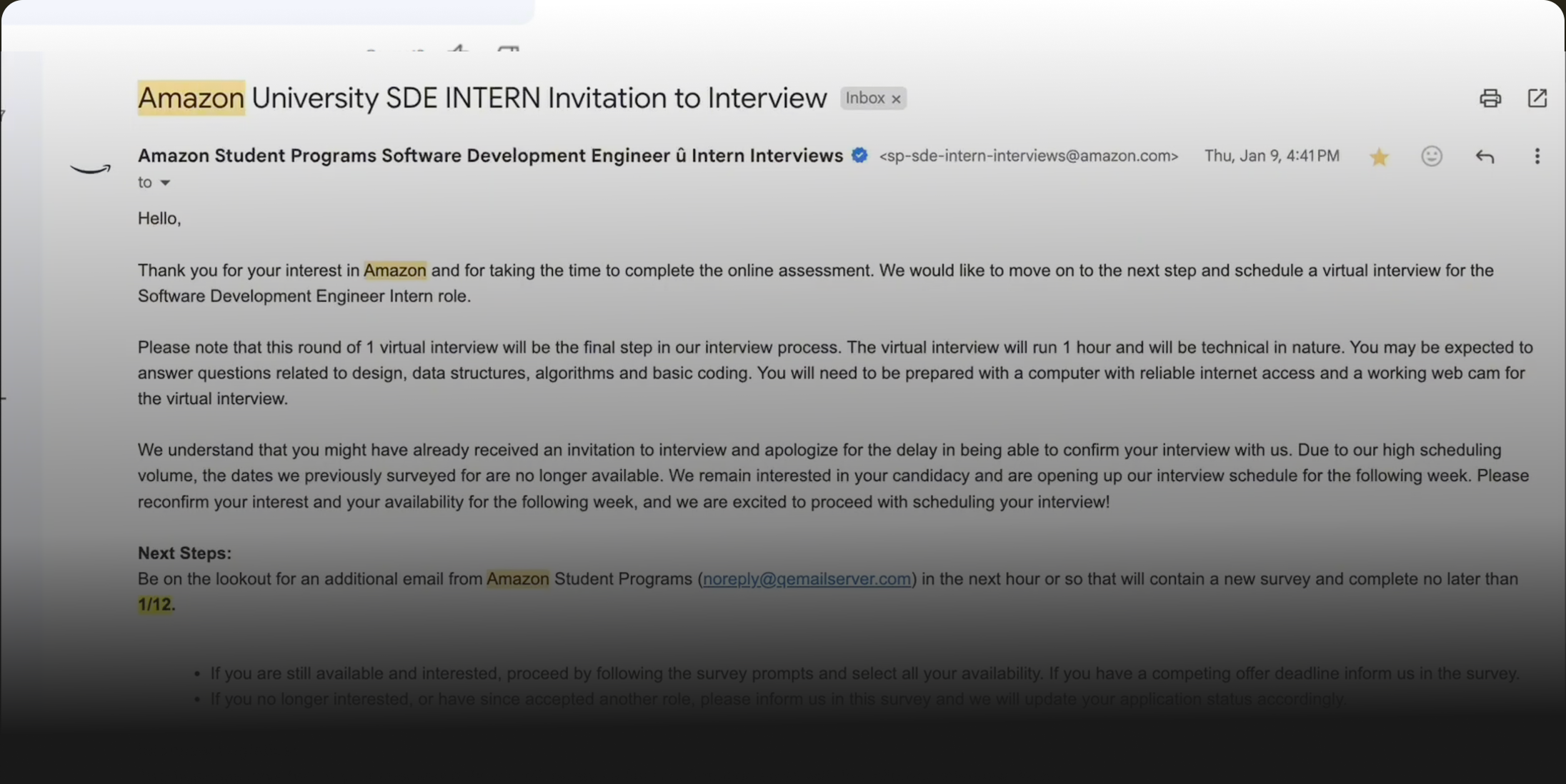
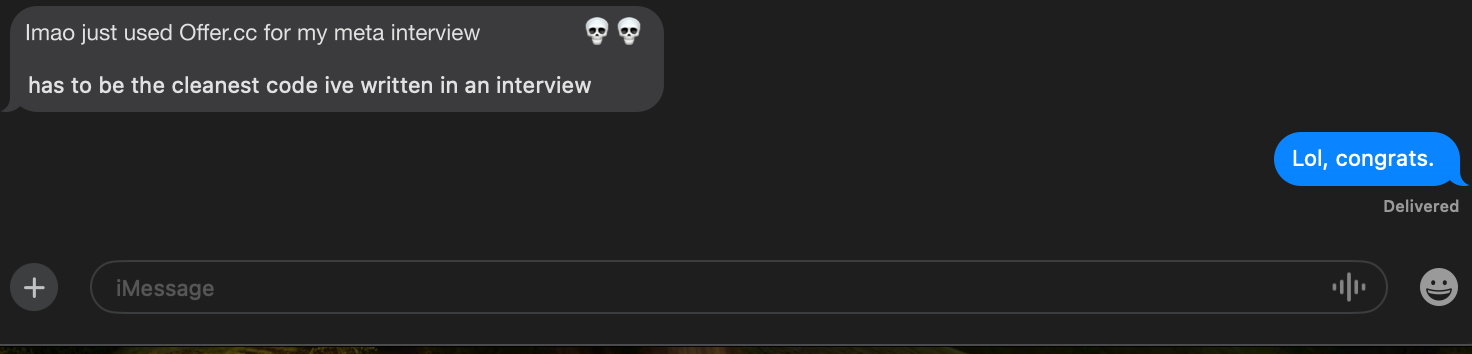
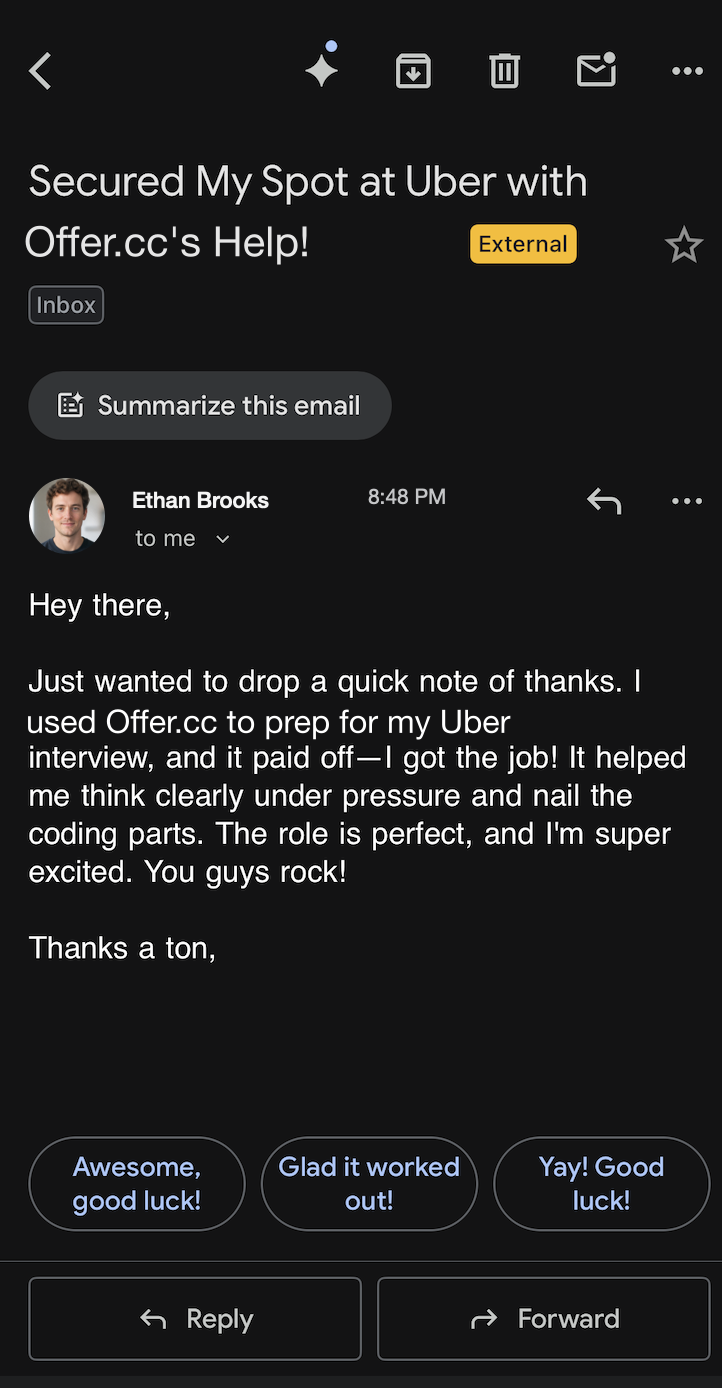
Trusted by 150,000+ candidates
From internships to staff roles across FAANG, big tech, quantitative firms, and beyond.
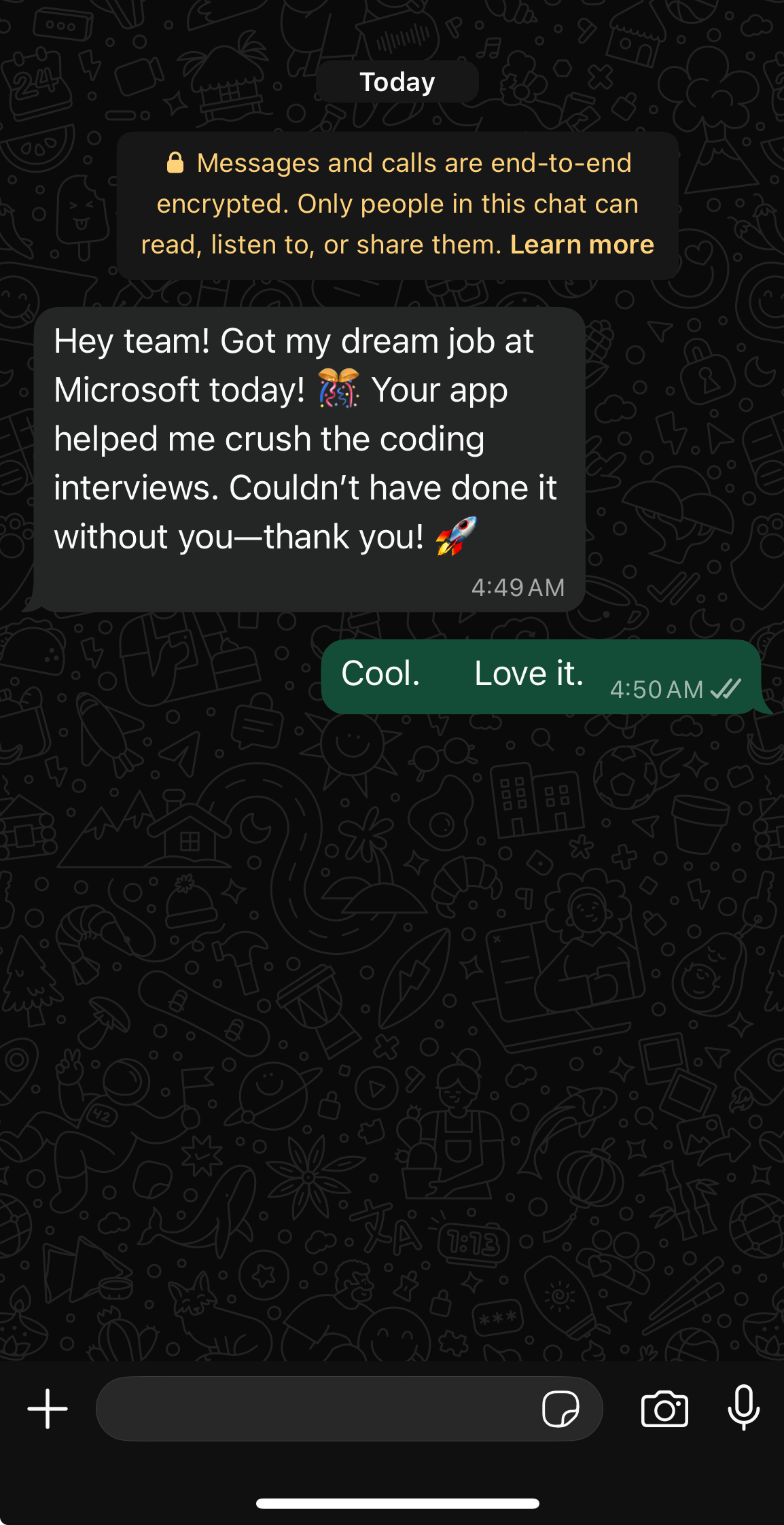
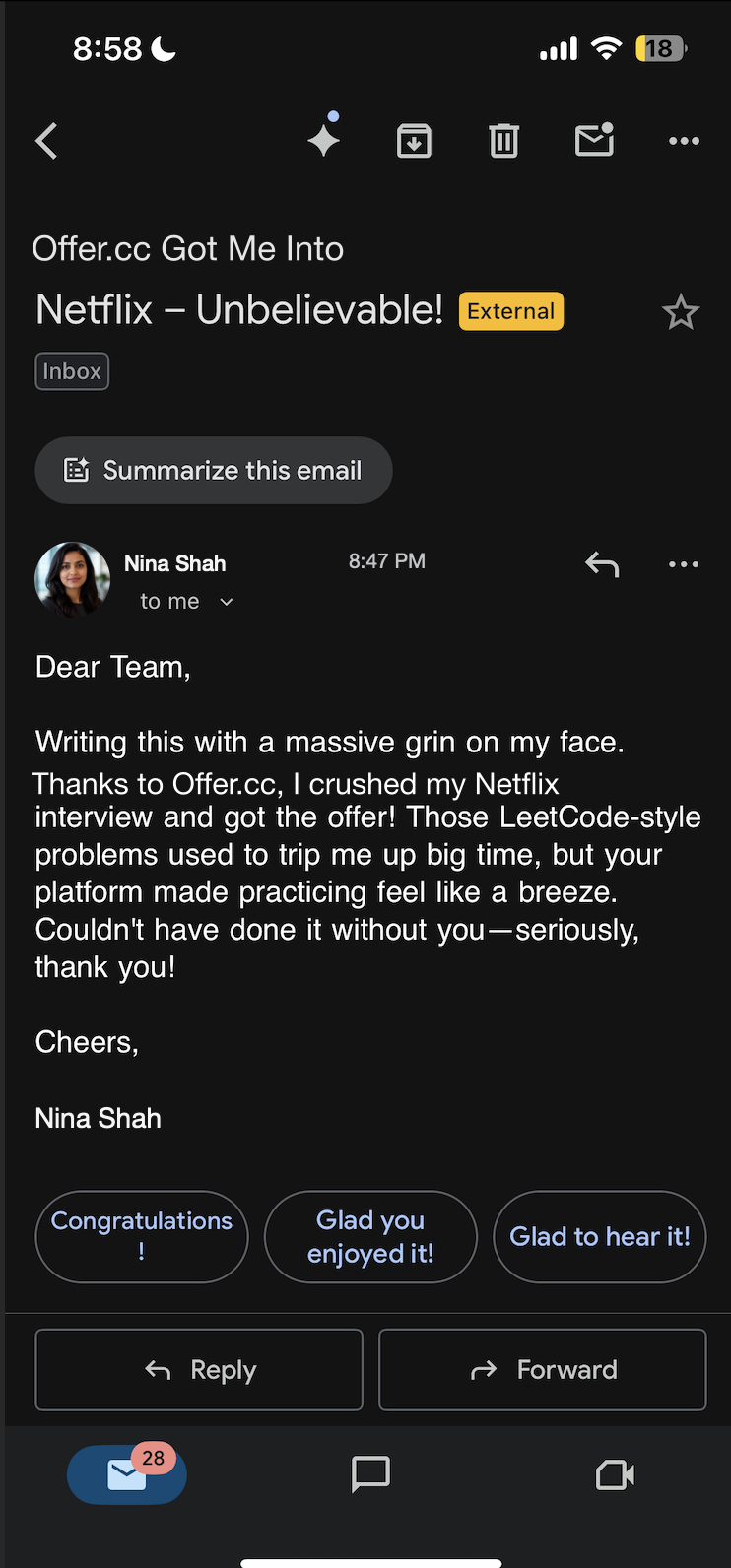
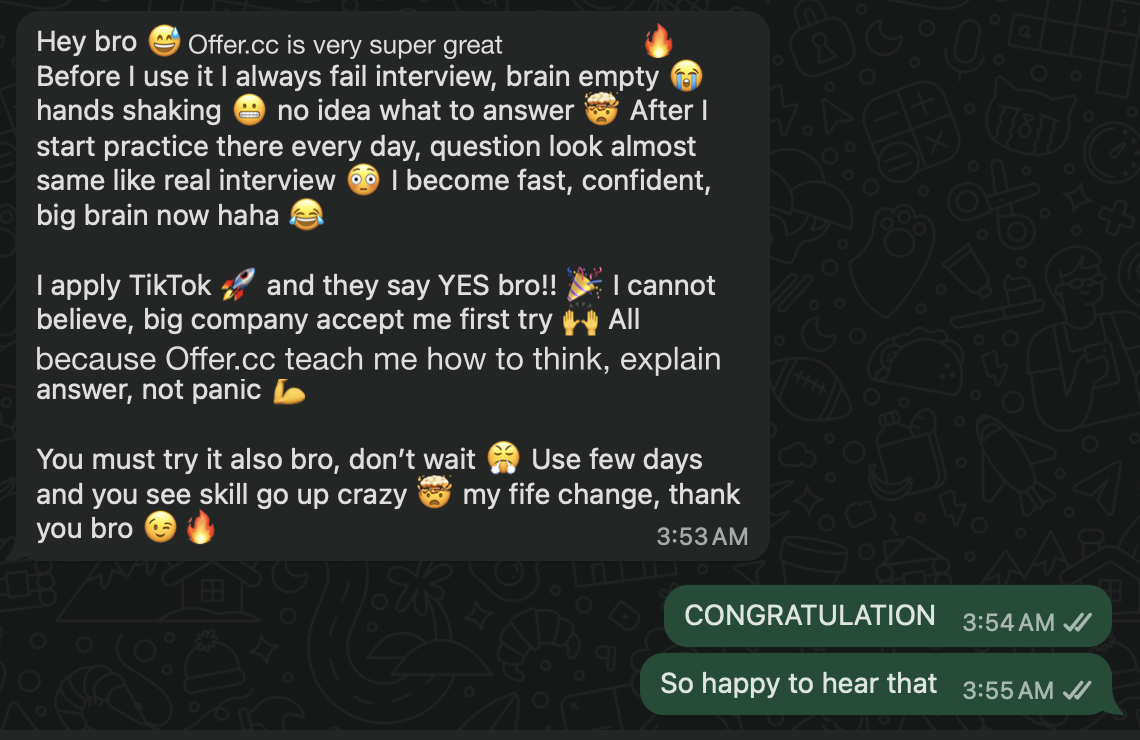
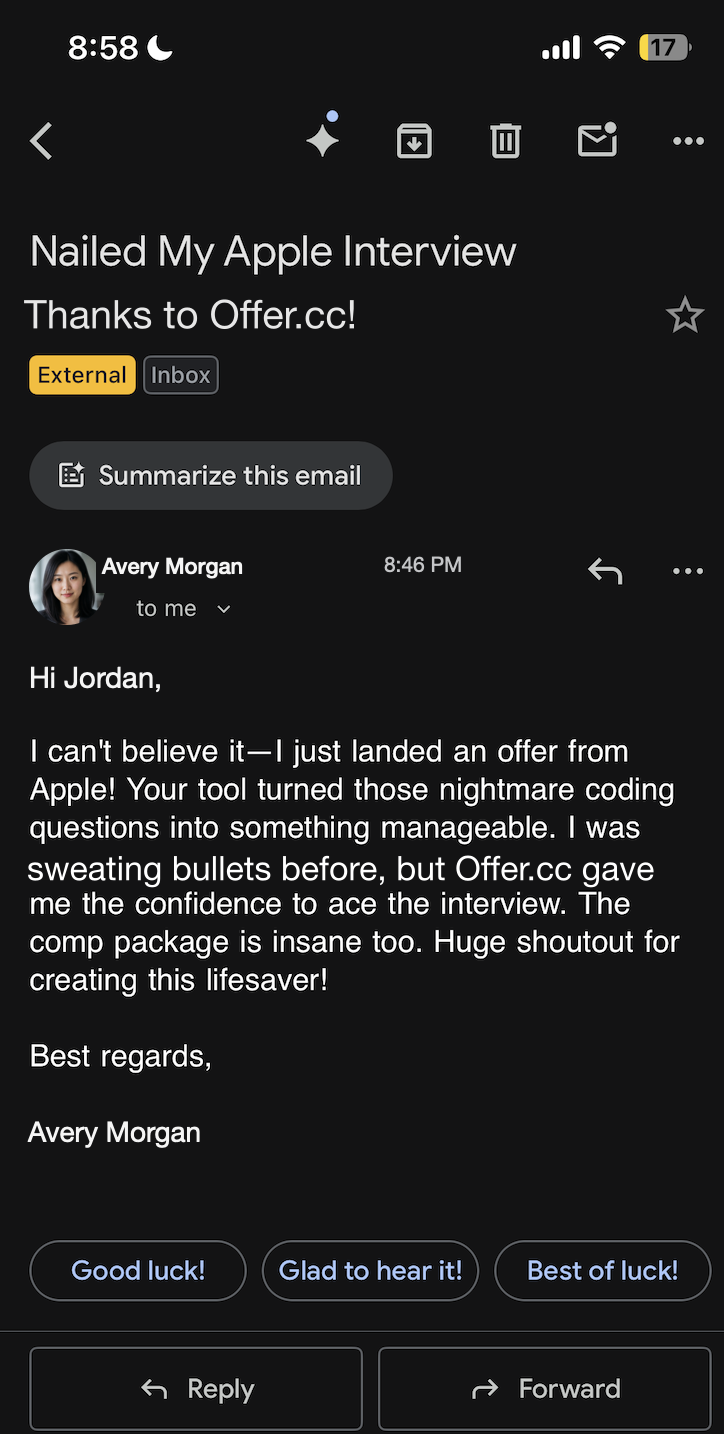
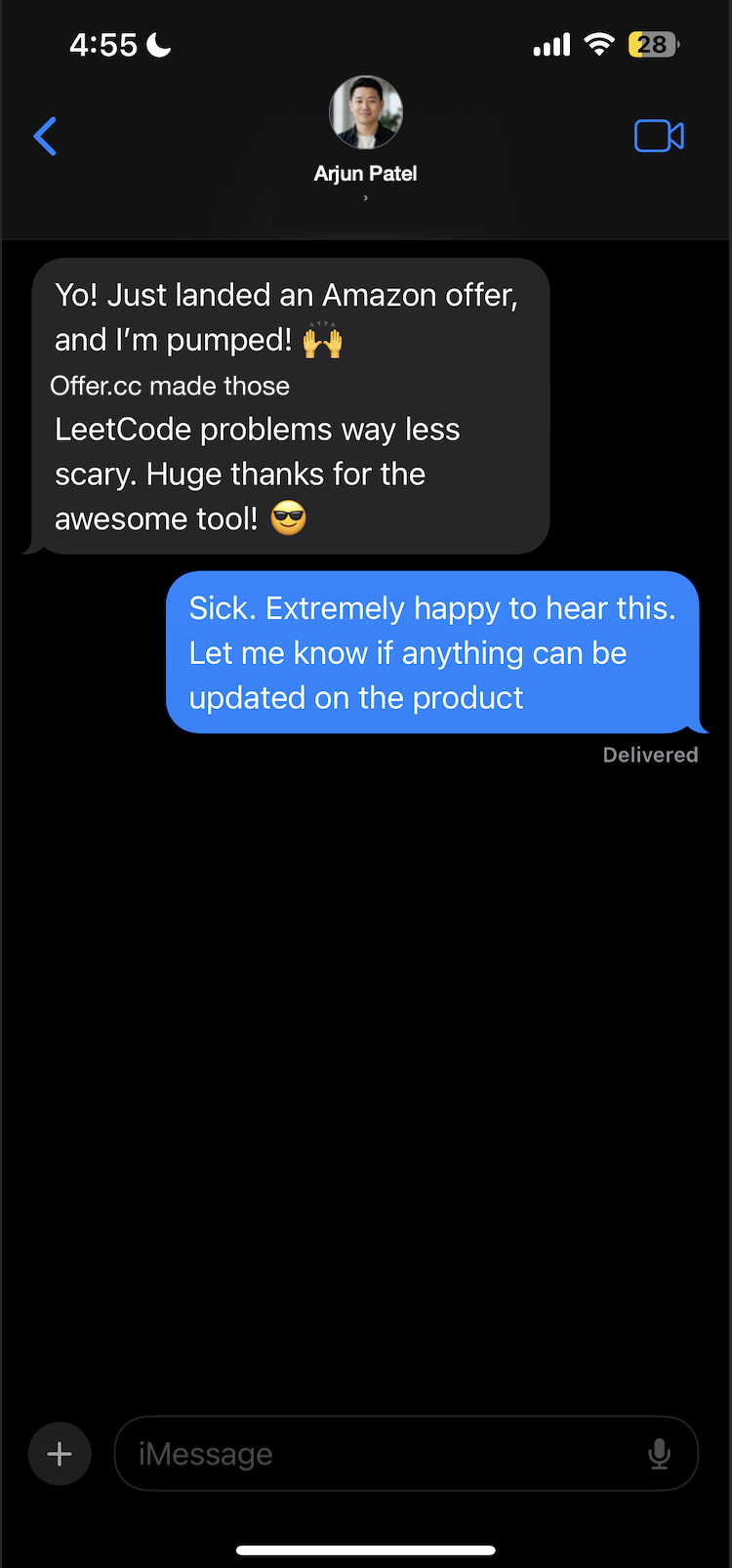

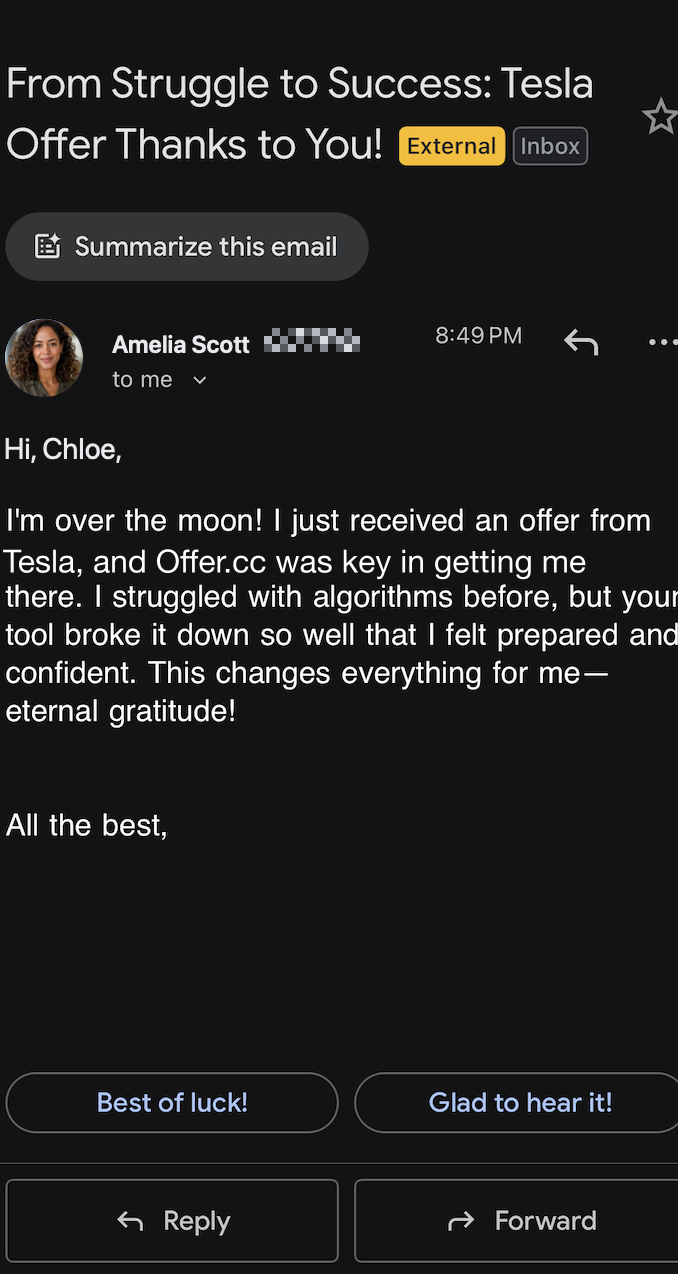
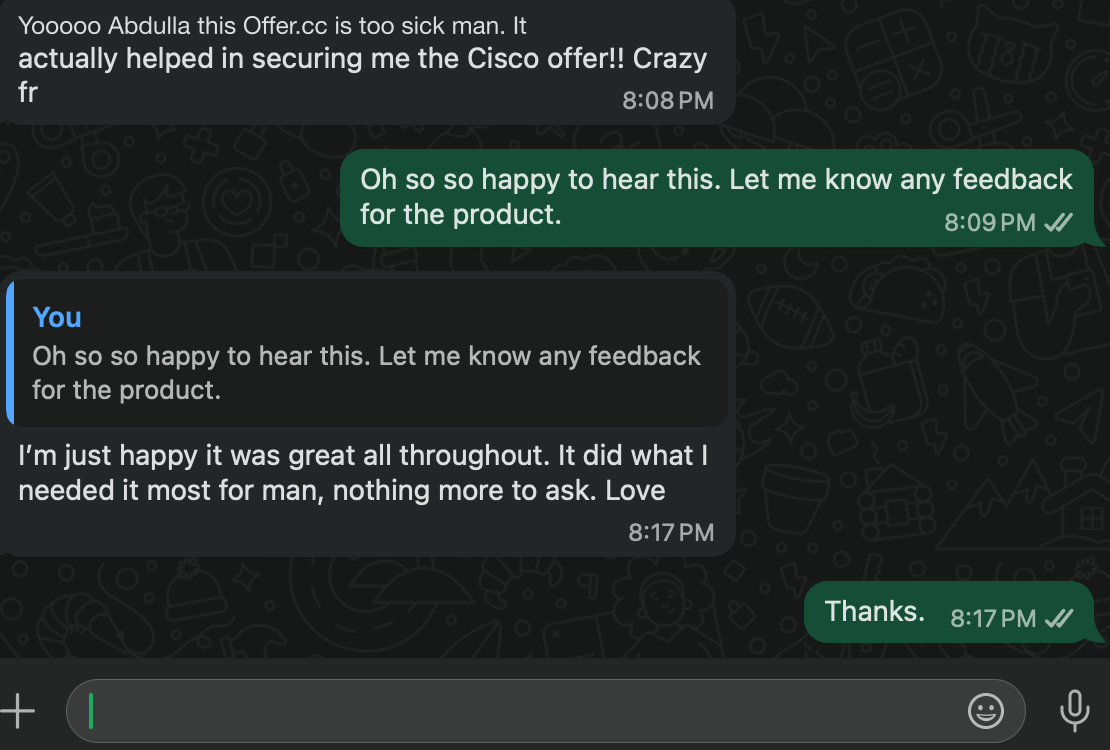
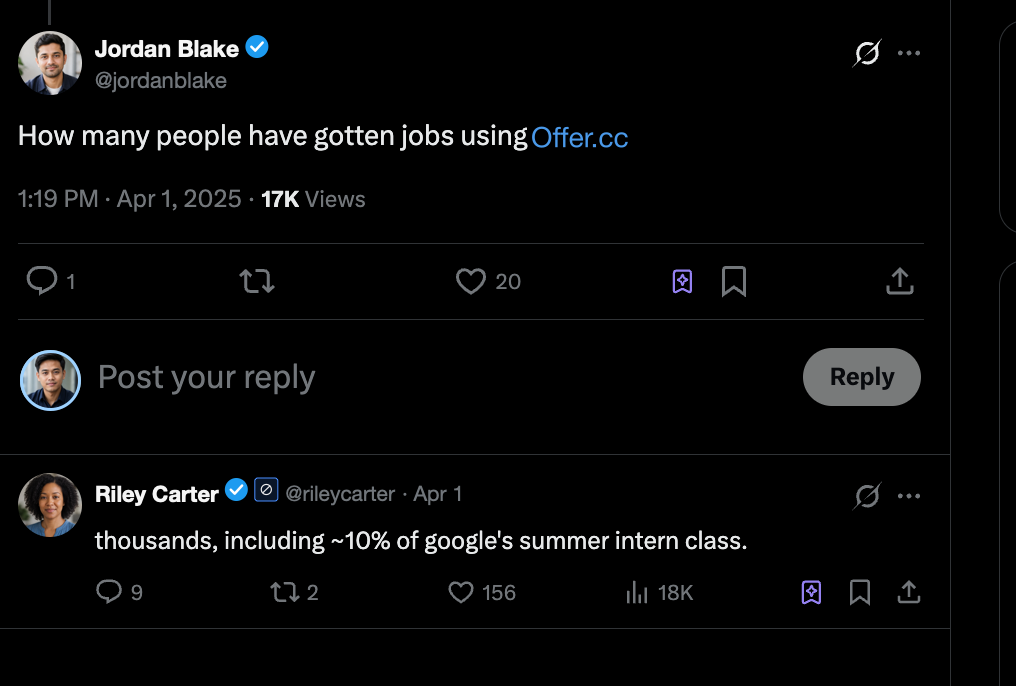
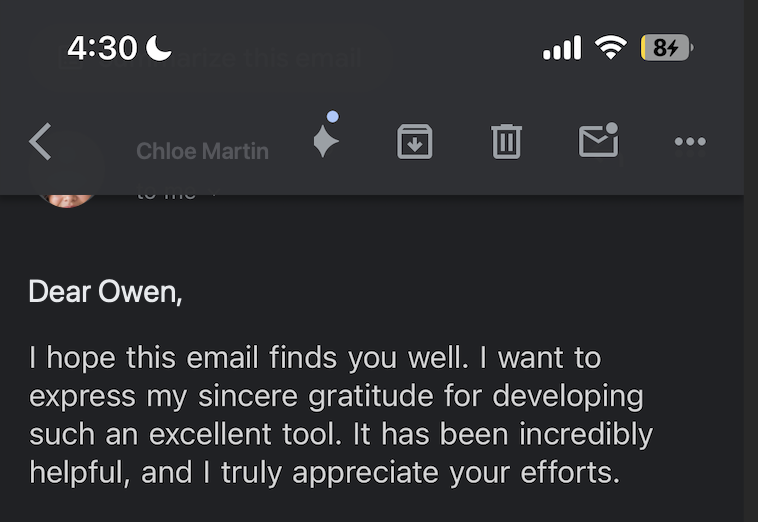
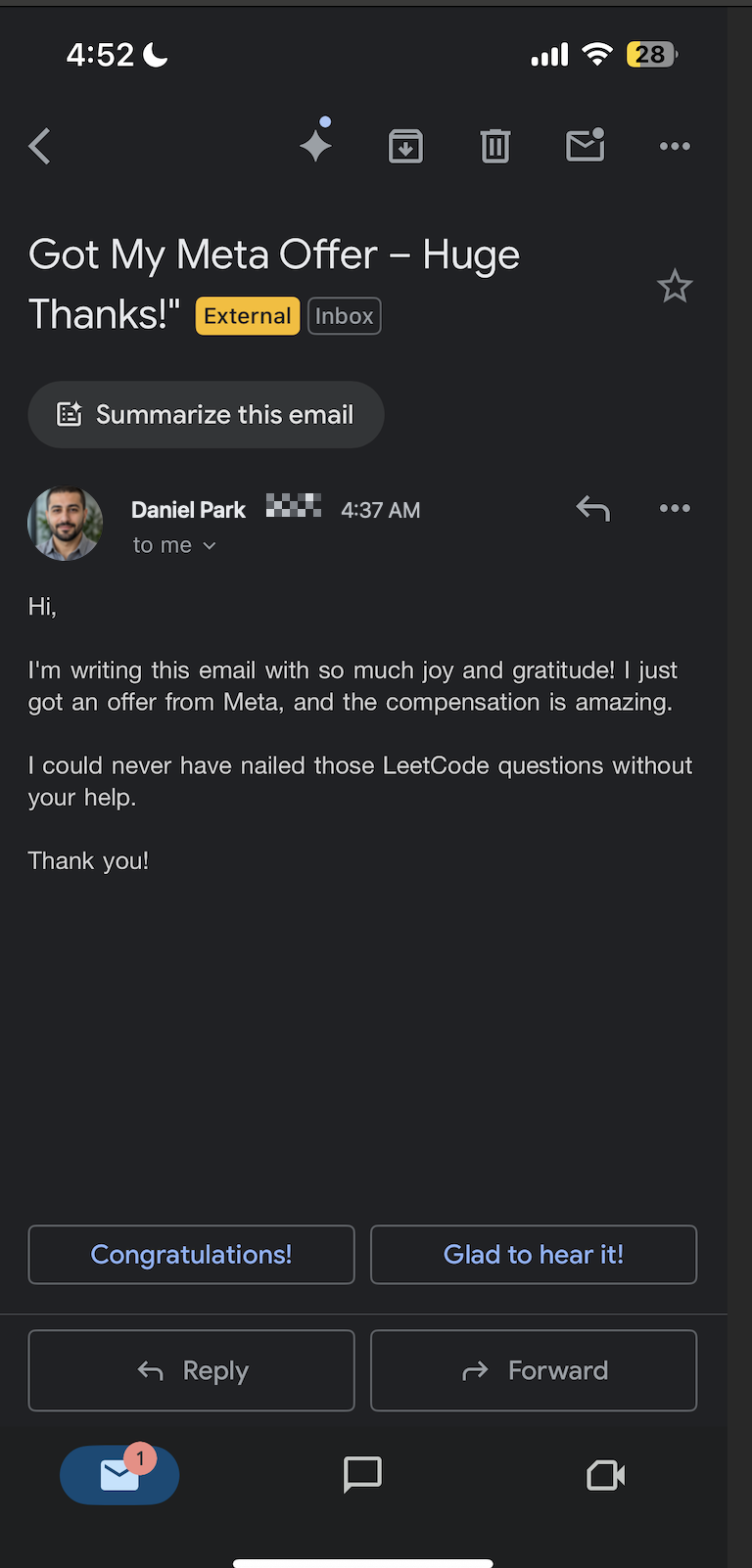
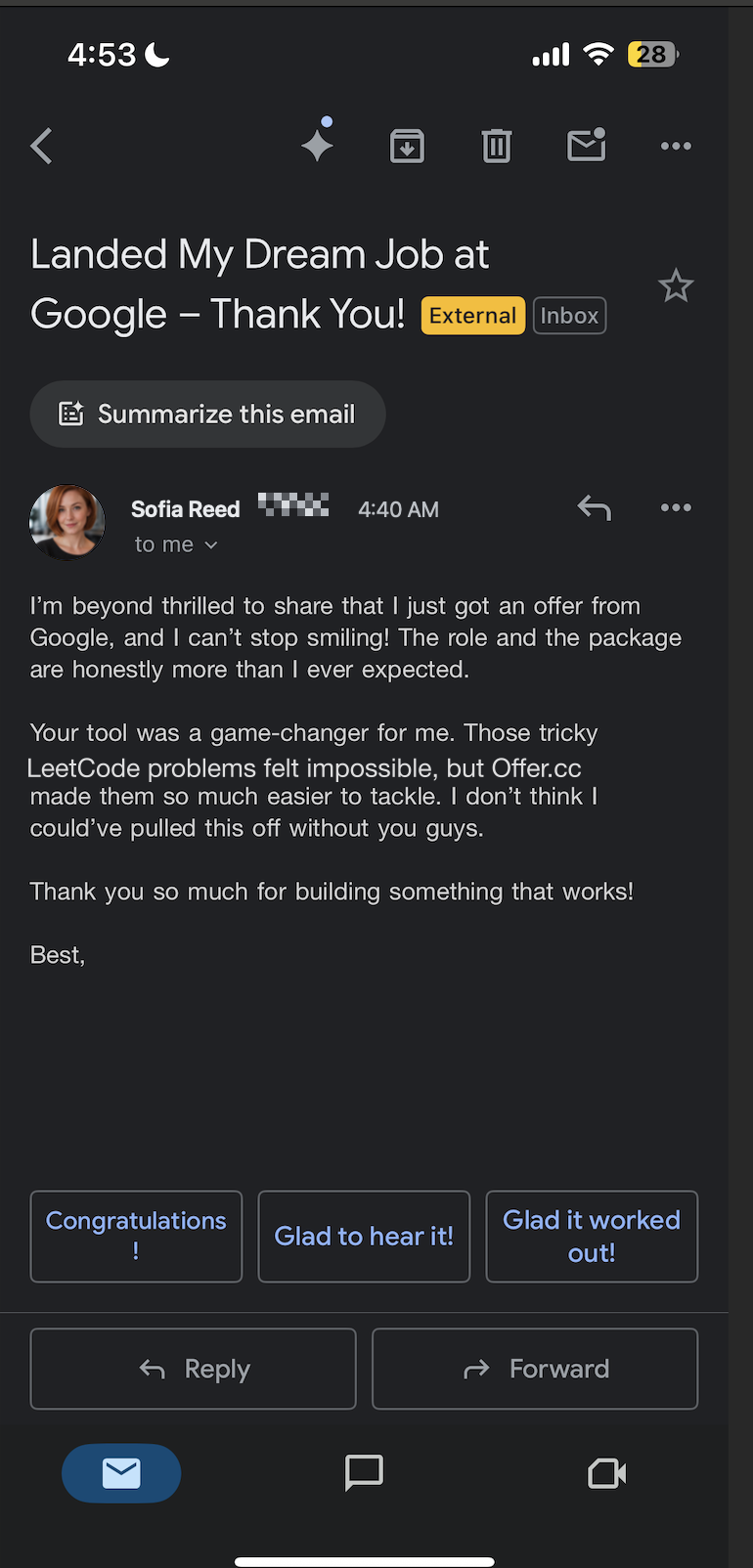
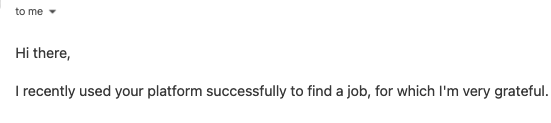
and more...


10,000+ candidates landed job offers with OfferCC
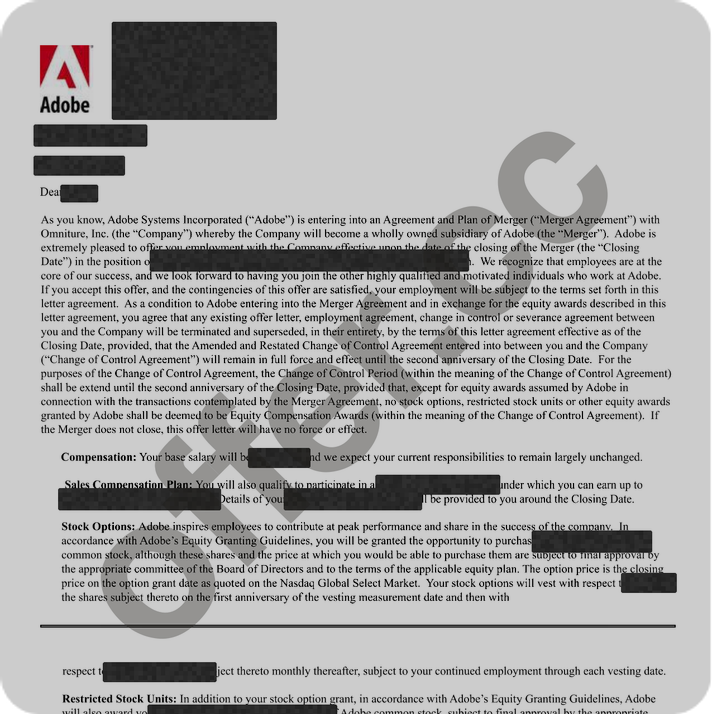
Adobe
Cracked $174k/yr job at Adobe
with help of OfferCC

Amazon
Cracked $182k/yr job at Amazon
with help of OfferCC
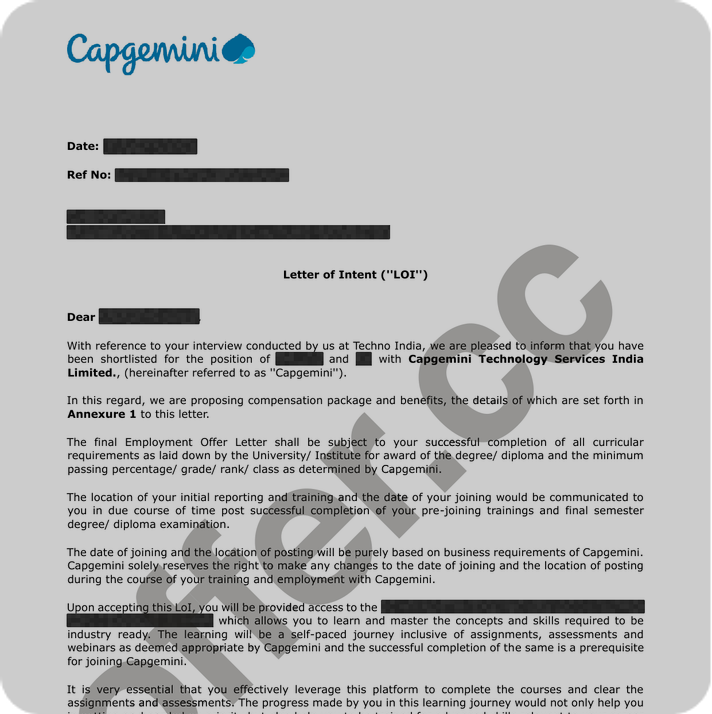
Capgemini
Cracked $95k/yr job at Capgemini
with help of OfferCC
Cloudflare
Cracked $205k/yr job at Cloudflare
with help of OfferCC
Adobe
Cracked $174k/yr job at Adobe
with help of OfferCC
Amazon
Cracked $182k/yr job at Amazon
with help of OfferCC
Capgemini
Cracked $95k/yr job at Capgemini
with help of OfferCC
Cloudflare
Cracked $205k/yr job at Cloudflare
with help of OfferCC
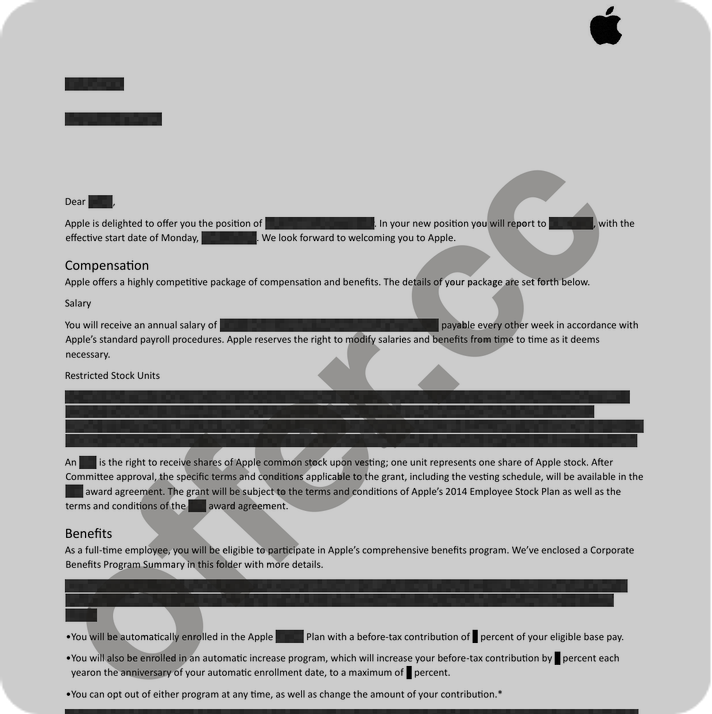
Apple
Cracked $234k/yr job at Apple
with help of OfferCC
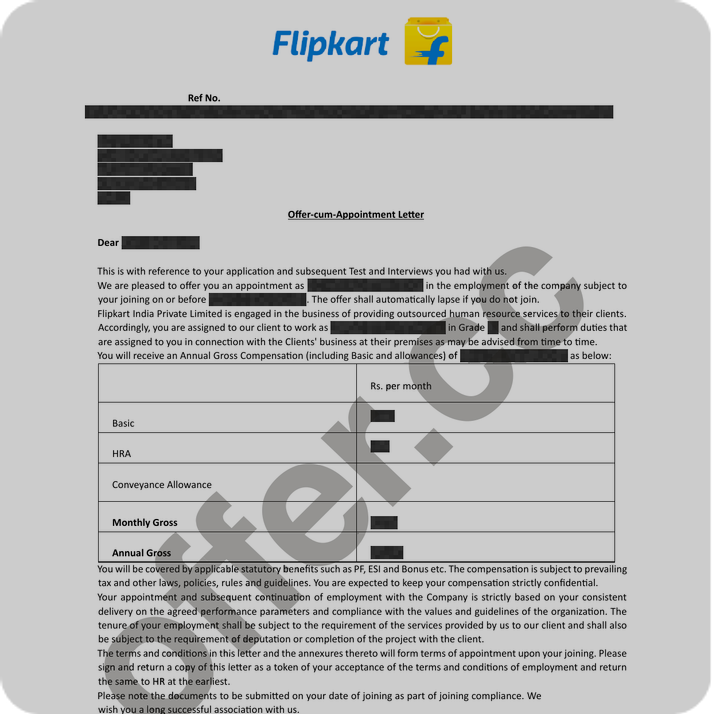
Flipkart
Cracked $85k/yr job at Flipkart
with help of OfferCC
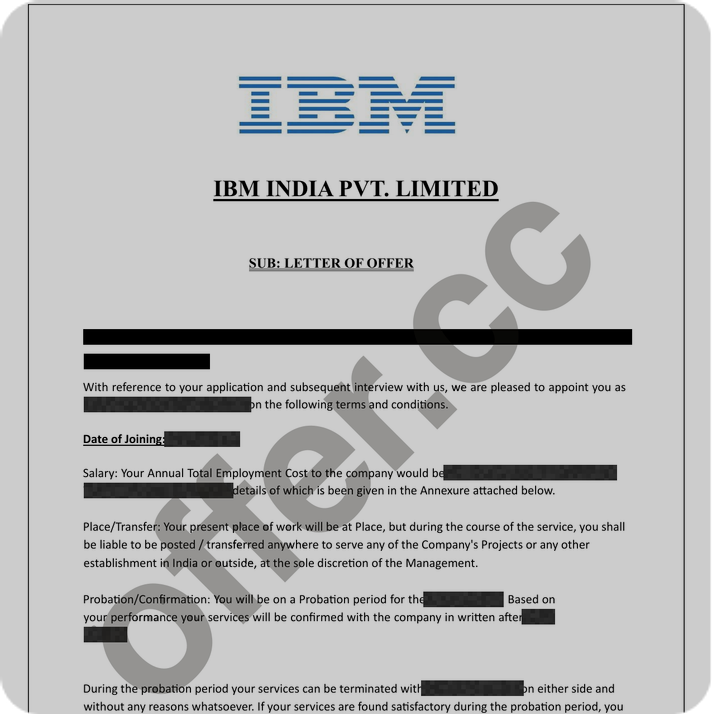
IBM
Cracked $175k/yr job at IBM
with help of OfferCC
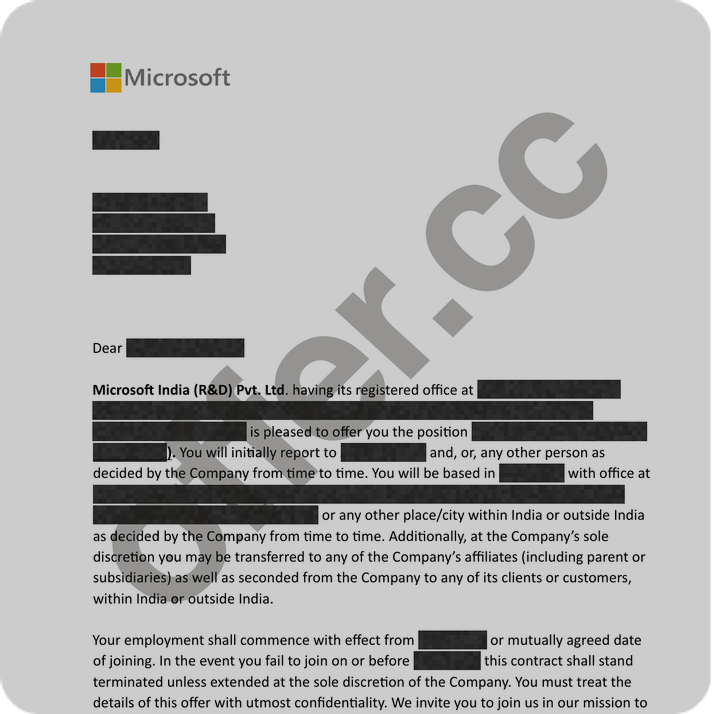
Microsoft
Cracked $185k/yr job at Microsoft
with help of OfferCC
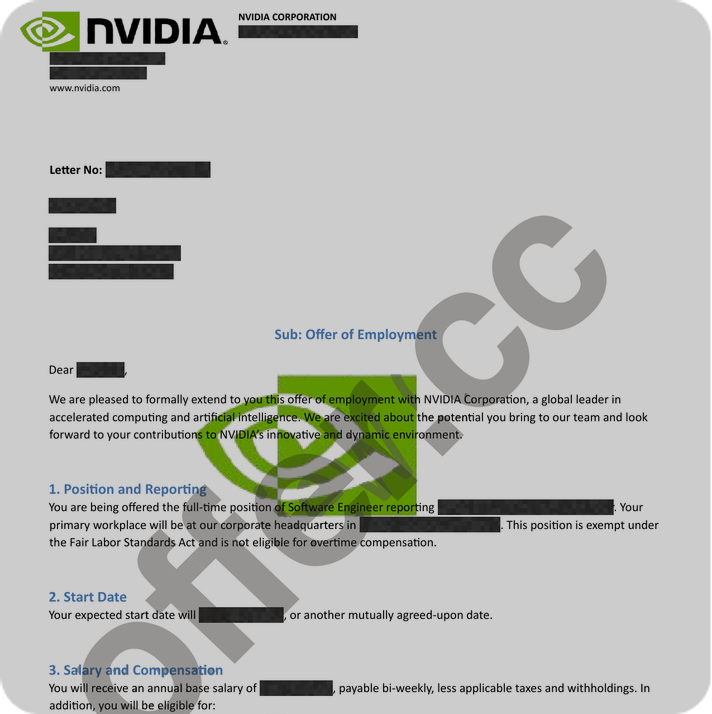
NVIDIA
Cracked $196k/yr job at NVIDIA
with help of OfferCC
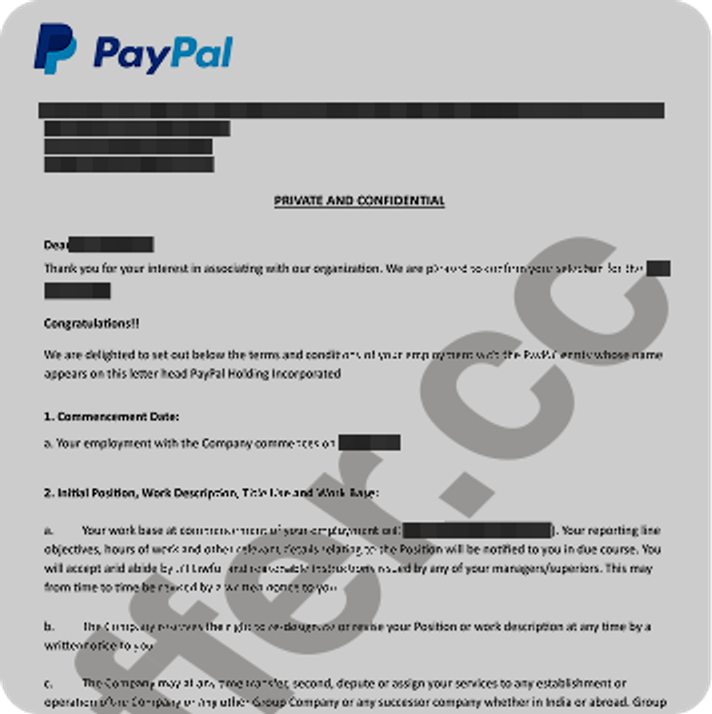
PayPal
Cracked $173k/yr job at PayPal
with help of OfferCC
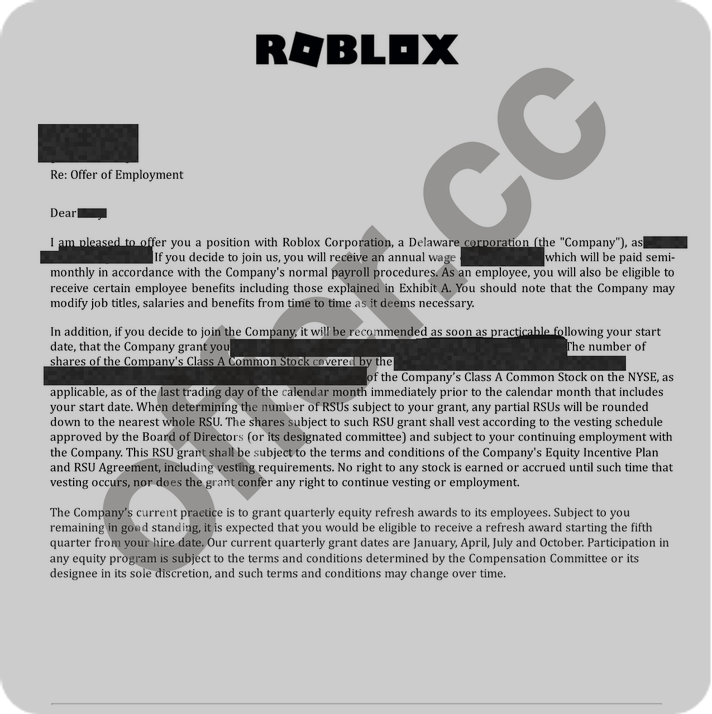
Roblox
Cracked $222k/yr job at Roblox
with help of OfferCC
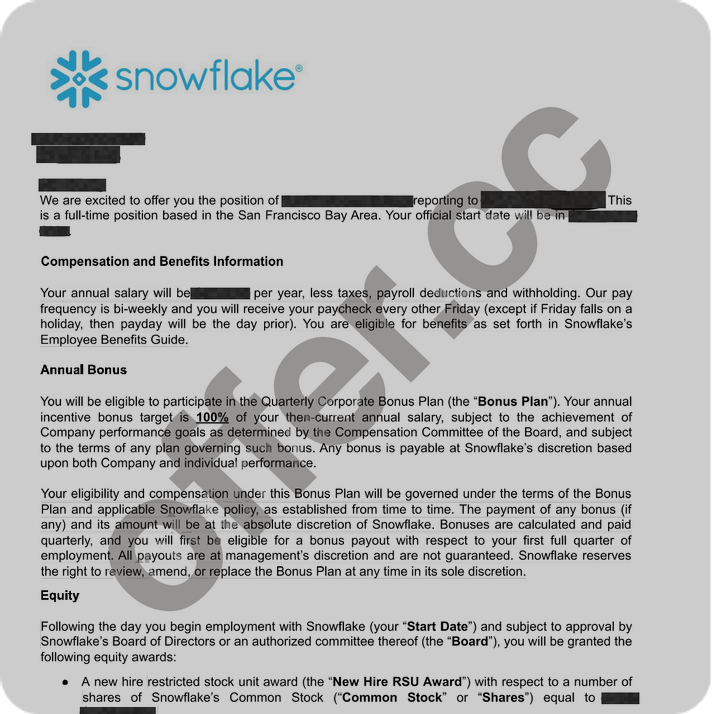
Snowflake
Cracked $234k/yr job at Snowflake
with help of OfferCC
AI Interview Copilot FAQ
Common Questions Answered
Couldn't find your answer?
Get Your Interview Copilot
Keep every question, answer, and follow-up connected in real time on your desktop. Sign up free and use it in your next interview.