MeetAssist's official site presents an undetectable AI interview assistant for live interviews on Zoom, Google Meet, and Teams, with desktop apps for Mac and Windows, a Chrome extension path, resume- and job-description-based answers, coding Analyze, and screen-share invisibility claims on the desktop app. OfferCC's desktop app is built for live interview questions, spoken answers, and coding screenshots.
Real-time AI for live interviews. It follows the whole conversation, uses your resume and target role to write answers you can say out loud, and gives you the approach and code for coding problems.
Its homepage describes an undetectable AI interview assistant that listens to both sides of a live interview, builds answers from your CV, job description, and Answer Bank, and claims the desktop app stays invisible on screen share for Zoom, Google Meet, Teams, and similar call apps—without joining the call as a bot.
Buy minutes for your upcoming interviews. Live listening, generated answers, and coding assistance use the same account balance. See the pricing page for current plans and prices.
Official pricing and Terms describe one-time payments only (no subscription / nothing renews): a free trial with limited free minutes and no credit card required, then paid options structured as a minute pack, an Unlimited Week pass, and an Unlimited Month pass. Minutes are counted only while a session runs. Check the live pricing page for current amounts and allowances.
Desktop apps are available for macOS and Windows. The macOS app requires macOS 14.2 or later and supports Intel and Apple Silicon. Check the download page for installers and current requirements.
Official download and FAQ pages describe a desktop app for macOS 13 Ventura or later (one universal download for Apple Silicon and Intel) and Windows 10 or 11, 64-bit, plus a Chrome extension for desktop Chrome (including a Linux browser path). The site claims the desktop app stays hidden from screen share and recordings, while the Chrome extension is visible if you share that screen or tab. Phone Mode shows answers on a phone browser via QR with no app install. No Linux desktop app yet.
Behavioral and system-design questions get spoken answers. Coding problems get an approach, code, and complexity.
Official FAQ and coding pages cover live interviews across roles: behavioral (including STAR / Answer Bank stories), technical follow-ups, live coding on platforms such as LeetCode, HackerRank, and CoderPad, system design, SQL/data, product and case interviews, online assessments, and salary questions, with Analyze reading on-screen tasks for approach, code, and complexity.
During the interview, each follow-up uses the earlier conversation to write the next answer. The Q&A view closes when the session ends.
Official pages describe post-interview continuity: after a qualifying real interview, an email report with the questions, how you answered, and how to improve, plus dashboard transcripts you can download when Save transcript is on. Setup also offers a “See how it works” sample-question practice path that uses session minutes. A separately branded Interview Debrief / score-report product page was not found on the reviewed official URLs.
OfferCC does not save raw audio in its own storage, but streams it to a speech-processing provider. A screenshot you trigger is held in current-session memory and sent to Alibaba Cloud to recognize the problem; OfferCC does not save the original image or an image URL. Recognized text and generated Q&A are saved. A screenshot used to correct an answer is sent through Vercel to Google Cloud for that correction only and is not kept in history.
The privacy notice (Effective 2026-10-25) is issued by MeetAssist OÜ (Estonia). It states audio is streamed for transcription and discarded (never stored), and Analyze screenshots are sent to the AI model and not kept; CV, context, and transcripts are kept in the account for personalization and review unless you turn off Save transcript. It lists providers including Deepgram for speech-to-text and OpenAI, Anthropic, Google (Gemini), Groq, Cerebras, and SiliconFlow for answers/Analyze. It describes a public question bank built from saved interviewer questions (with rewrite/de-identification and account opt-out) and using feedback/session statistics to improve answers. It does not publish an explicit model-training clause using the word “train” on the reviewed notice—read the live Privacy Policy and Terms before you buy.
Real-time AI for live interviews. It follows the whole conversation, uses your resume and target role to write answers you can say out loud, and gives you the approach and code for coding problems.
Its homepage describes an undetectable AI interview assistant that listens to both sides of a live interview, builds answers from your CV, job description, and Answer Bank, and claims the desktop app stays invisible on screen share for Zoom, Google Meet, Teams, and similar call apps—without joining the call as a bot.
Buy minutes for your upcoming interviews. Live listening, generated answers, and coding assistance use the same account balance. See the pricing page for current plans and prices.
Official pricing and Terms describe one-time payments only (no subscription / nothing renews): a free trial with limited free minutes and no credit card required, then paid options structured as a minute pack, an Unlimited Week pass, and an Unlimited Month pass. Minutes are counted only while a session runs. Check the live pricing page for current amounts and allowances.
Desktop apps are available for macOS and Windows. The macOS app requires macOS 14.2 or later and supports Intel and Apple Silicon. Check the download page for installers and current requirements.
Official download and FAQ pages describe a desktop app for macOS 13 Ventura or later (one universal download for Apple Silicon and Intel) and Windows 10 or 11, 64-bit, plus a Chrome extension for desktop Chrome (including a Linux browser path). The site claims the desktop app stays hidden from screen share and recordings, while the Chrome extension is visible if you share that screen or tab. Phone Mode shows answers on a phone browser via QR with no app install. No Linux desktop app yet.
Official FAQ and coding pages cover live interviews across roles: behavioral (including STAR / Answer Bank stories), technical follow-ups, live coding on platforms such as LeetCode, HackerRank, and CoderPad, system design, SQL/data, product and case interviews, online assessments, and salary questions, with Analyze reading on-screen tasks for approach, code, and complexity.
Official pages describe post-interview continuity: after a qualifying real interview, an email report with the questions, how you answered, and how to improve, plus dashboard transcripts you can download when Save transcript is on. Setup also offers a “See how it works” sample-question practice path that uses session minutes. A separately branded Interview Debrief / score-report product page was not found on the reviewed official URLs.
OfferCC does not save raw audio in its own storage, but streams it to a speech-processing provider. A screenshot you trigger is held in current-session memory and sent to Alibaba Cloud to recognize the problem; OfferCC does not save the original image or an image URL. Recognized text and generated Q&A are saved. A screenshot used to correct an answer is sent through Vercel to Google Cloud for that correction only and is not kept in history.
The privacy notice (Effective 2026-10-25) is issued by MeetAssist OÜ (Estonia). It states audio is streamed for transcription and discarded (never stored), and Analyze screenshots are sent to the AI model and not kept; CV, context, and transcripts are kept in the account for personalization and review unless you turn off Save transcript. It lists providers including Deepgram for speech-to-text and OpenAI, Anthropic, Google (Gemini), Groq, Cerebras, and SiliconFlow for answers/Analyze. It describes a public question bank built from saved interviewer questions (with rewrite/de-identification and account opt-out) and using feedback/session statistics to improve answers. It does not publish an explicit model-training clause using the word “train” on the reviewed notice—read the live Privacy Policy and Terms before you buy.
Product focus, billing, and live-interview behavior are the three differences that affect the decision most.
01
Positioning
Real-time AI for live interviews. It follows the whole conversation, uses your resume and target role to write answers you can say out loud, and gives you the approach and code for coding problems.
Its homepage describes an undetectable AI interview assistant that listens to both sides of a live interview, builds answers from your CV, job description, and Answer Bank, and claims the desktop app stays invisible on screen share for Zoom, Google Meet, Teams, and similar call apps—without joining the call as a bot.
02
Billing
Buy minutes for your upcoming interviews. Live listening, generated answers, and coding assistance use the same account balance. See the pricing page for current plans and prices.
Official pricing and Terms describe one-time payments only (no subscription / nothing renews): a free trial with limited free minutes and no credit card required, then paid options structured as a minute pack, an Unlimited Week pass, and an Unlimited Month pass. Minutes are counted only while a session runs. Check the live pricing page for current amounts and allowances.
03
Desktop App
Desktop apps are available for macOS and Windows. The macOS app requires macOS 14.2 or later and supports Intel and Apple Silicon. Check the download page for installers and current requirements.
Official download and FAQ pages describe a desktop app for macOS 13 Ventura or later (one universal download for Apple Silicon and Intel) and Windows 10 or 11, 64-bit, plus a Chrome extension for desktop Chrome (including a Linux browser path). The site claims the desktop app stays hidden from screen share and recordings, while the Chrome extension is visible if you share that screen or tab. Phone Mode shows answers on a phone browser via QR with no app install. No Linux desktop app yet.
Proof you can inspect
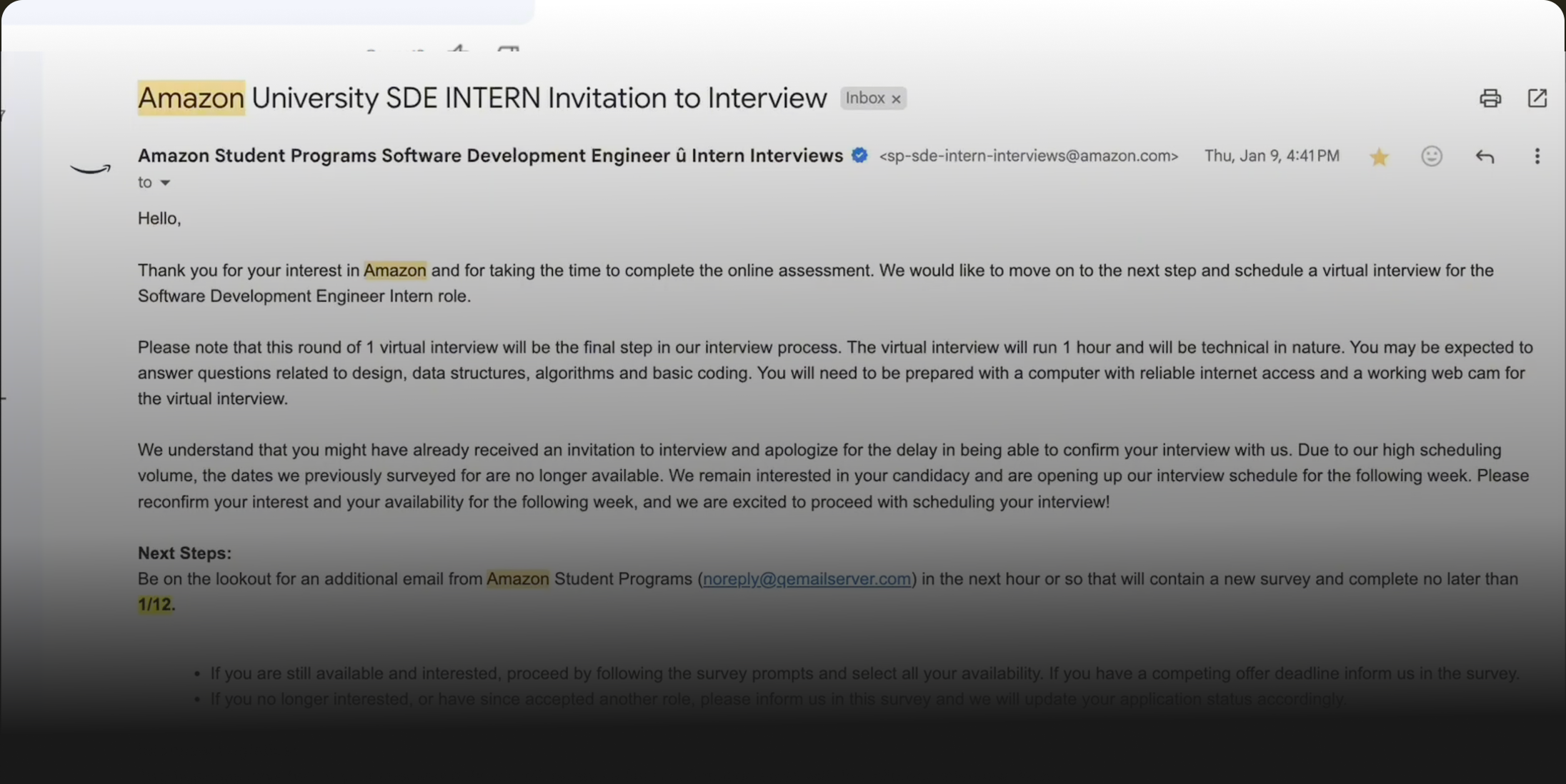
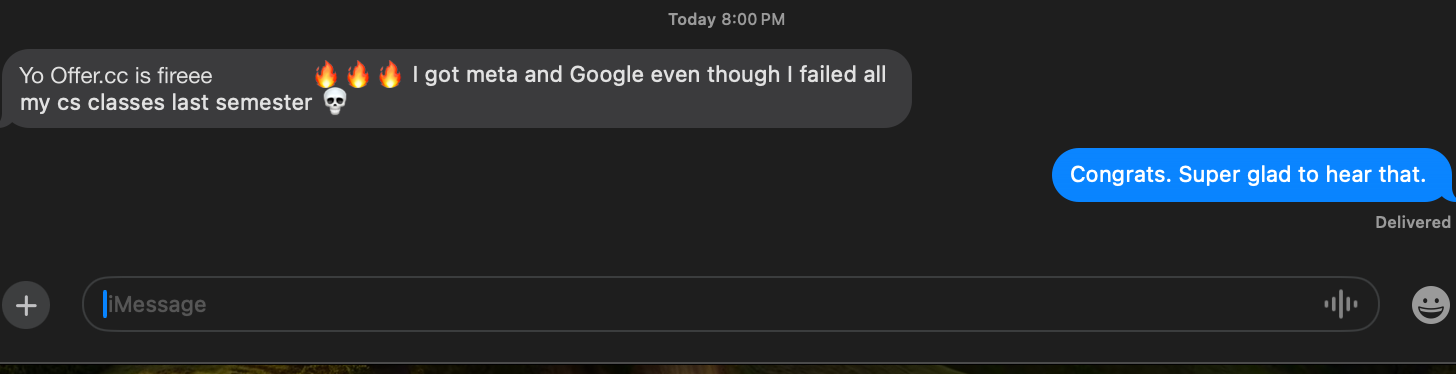
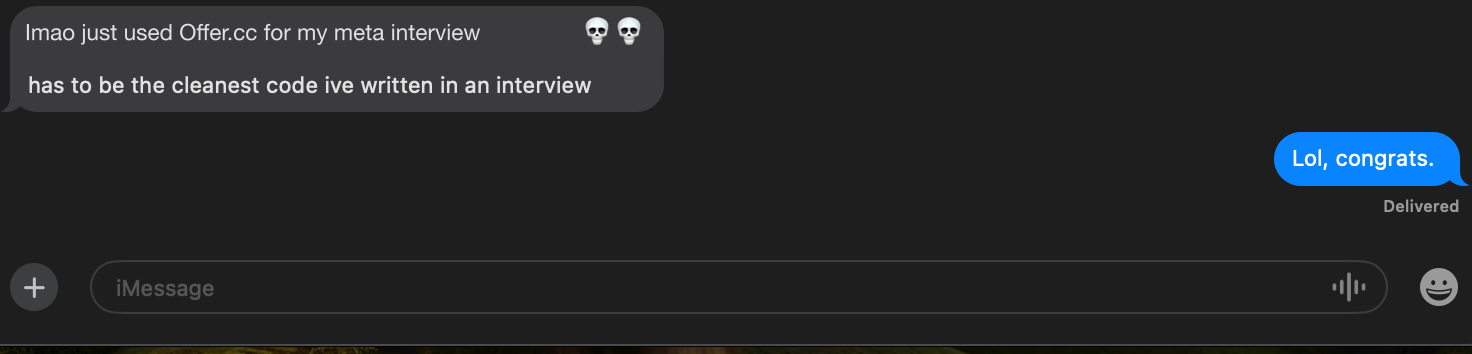
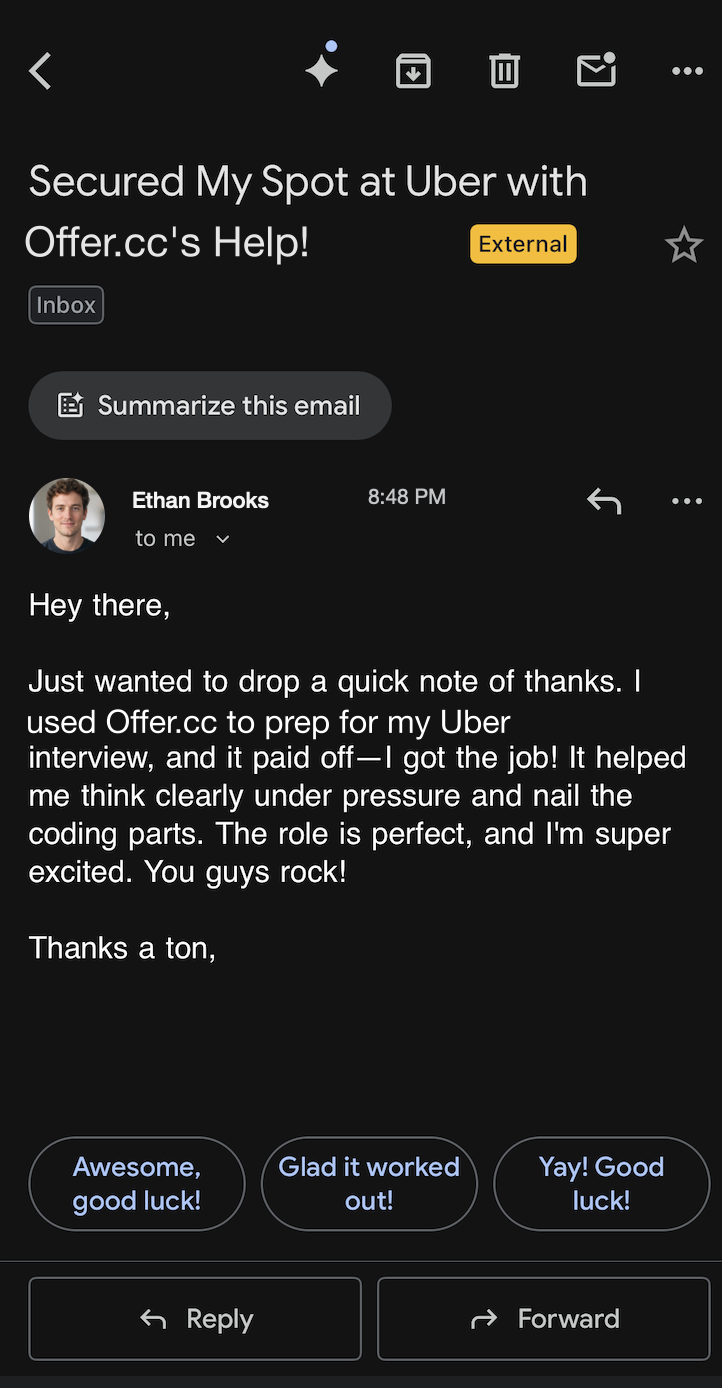
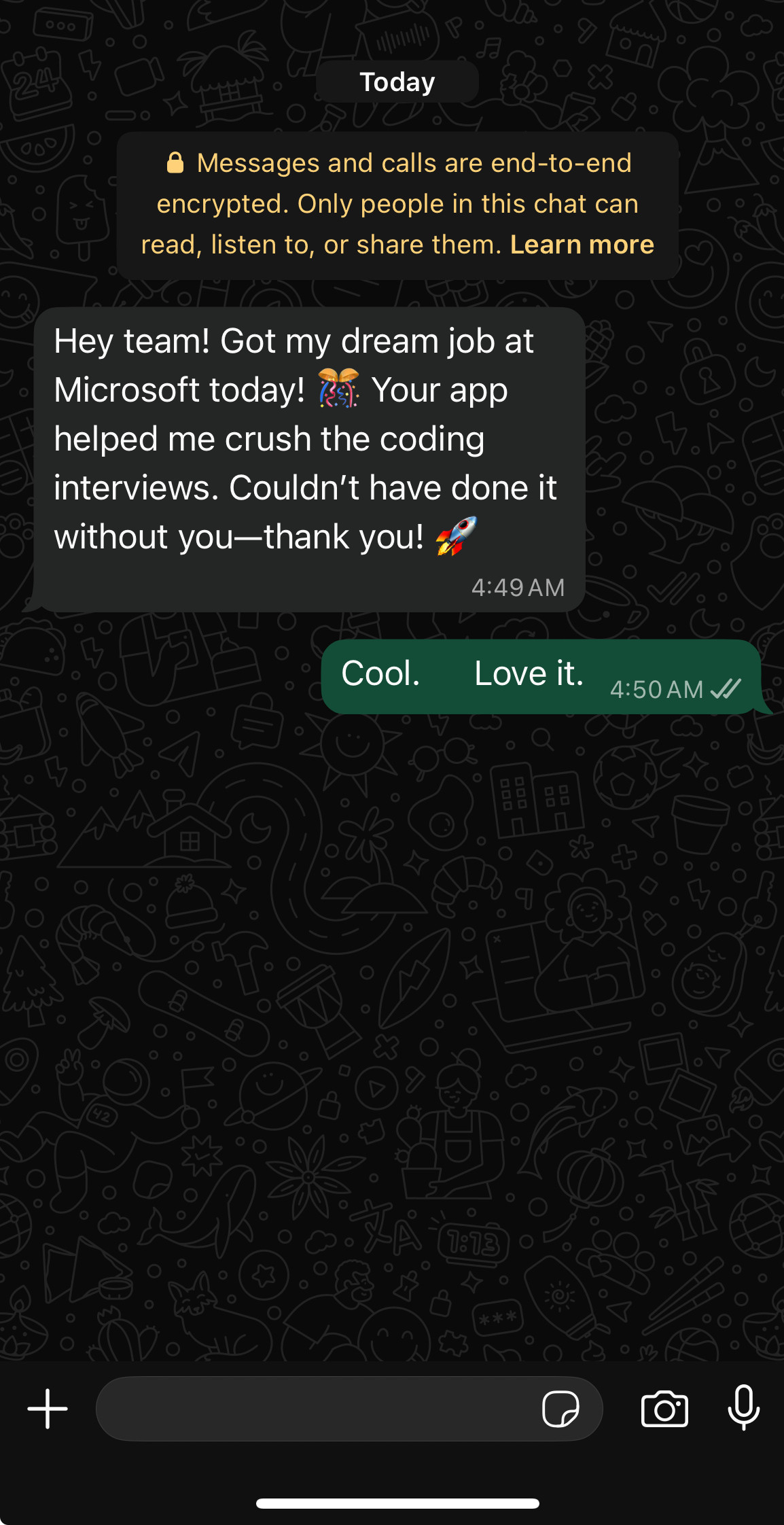
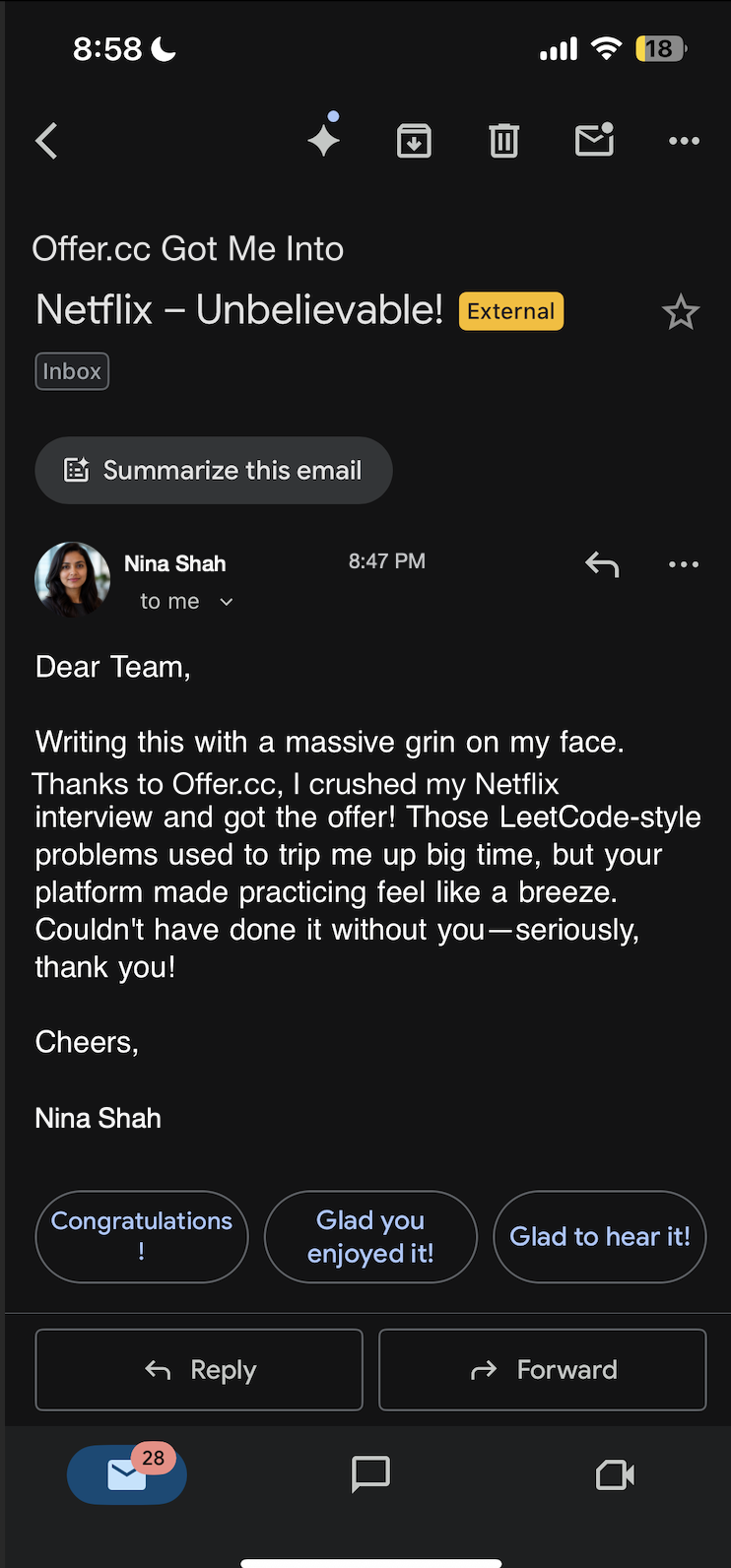
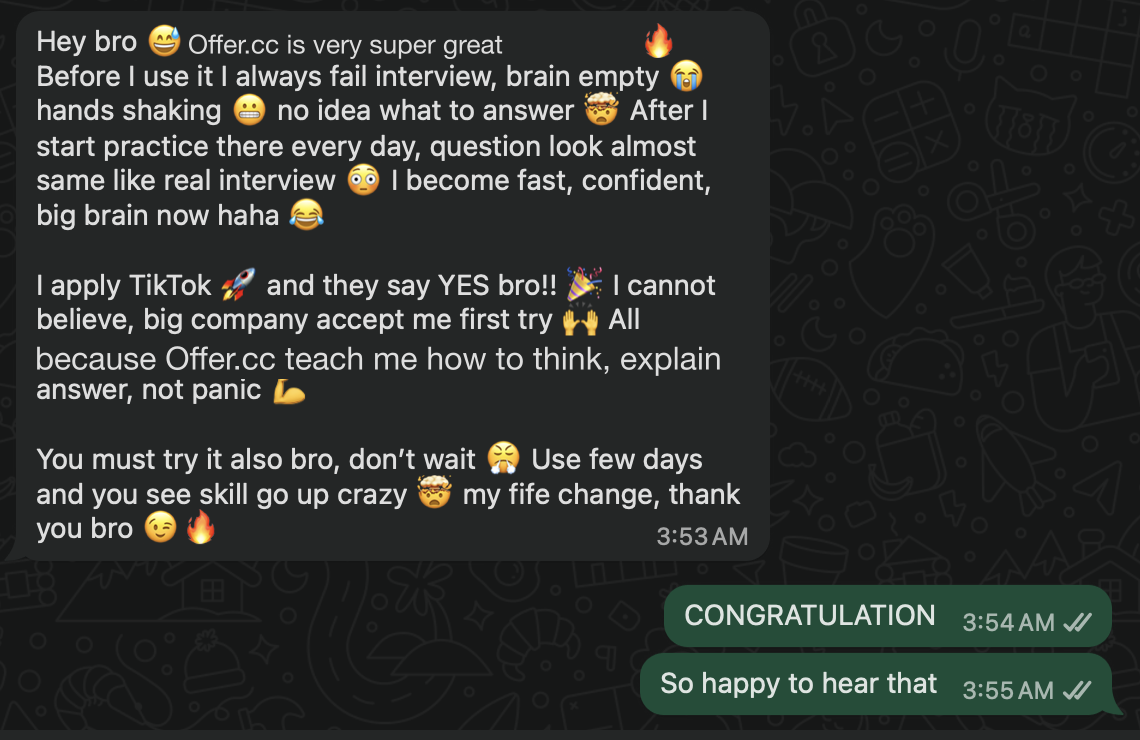
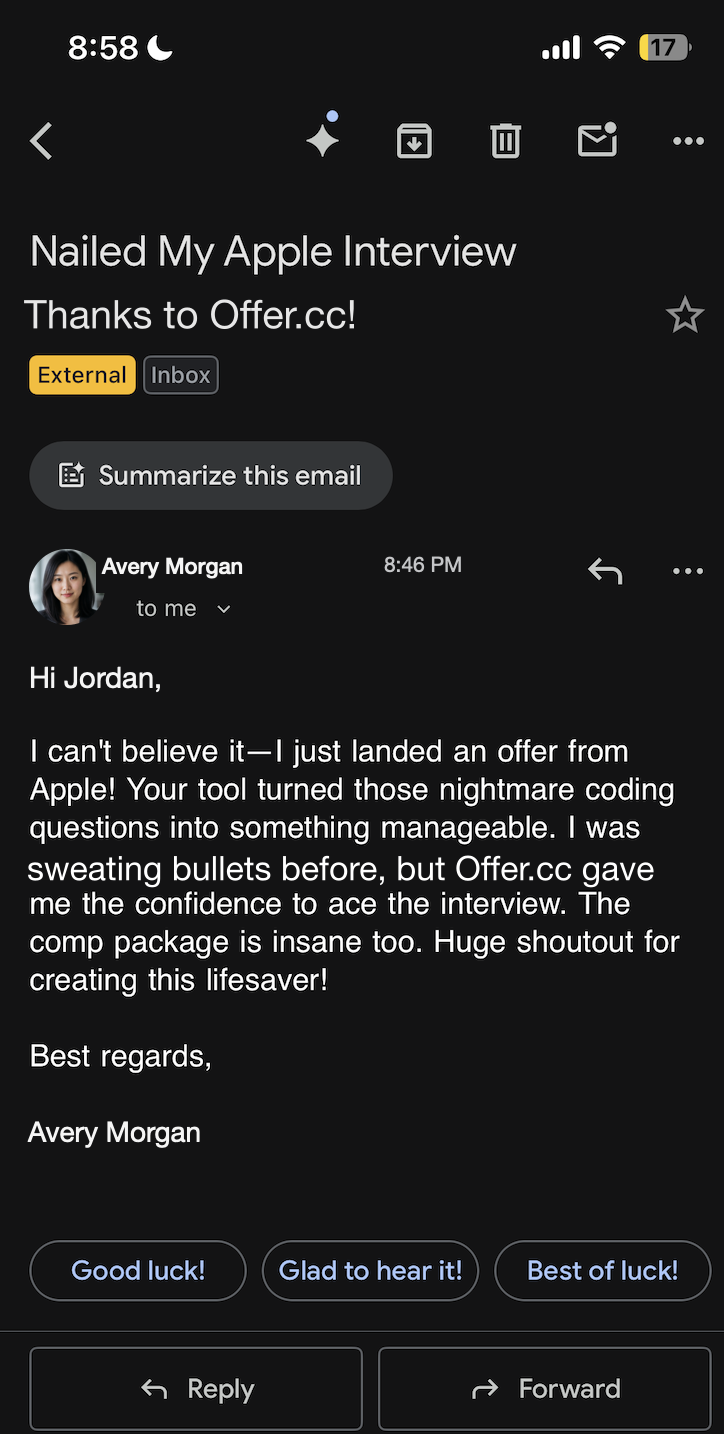
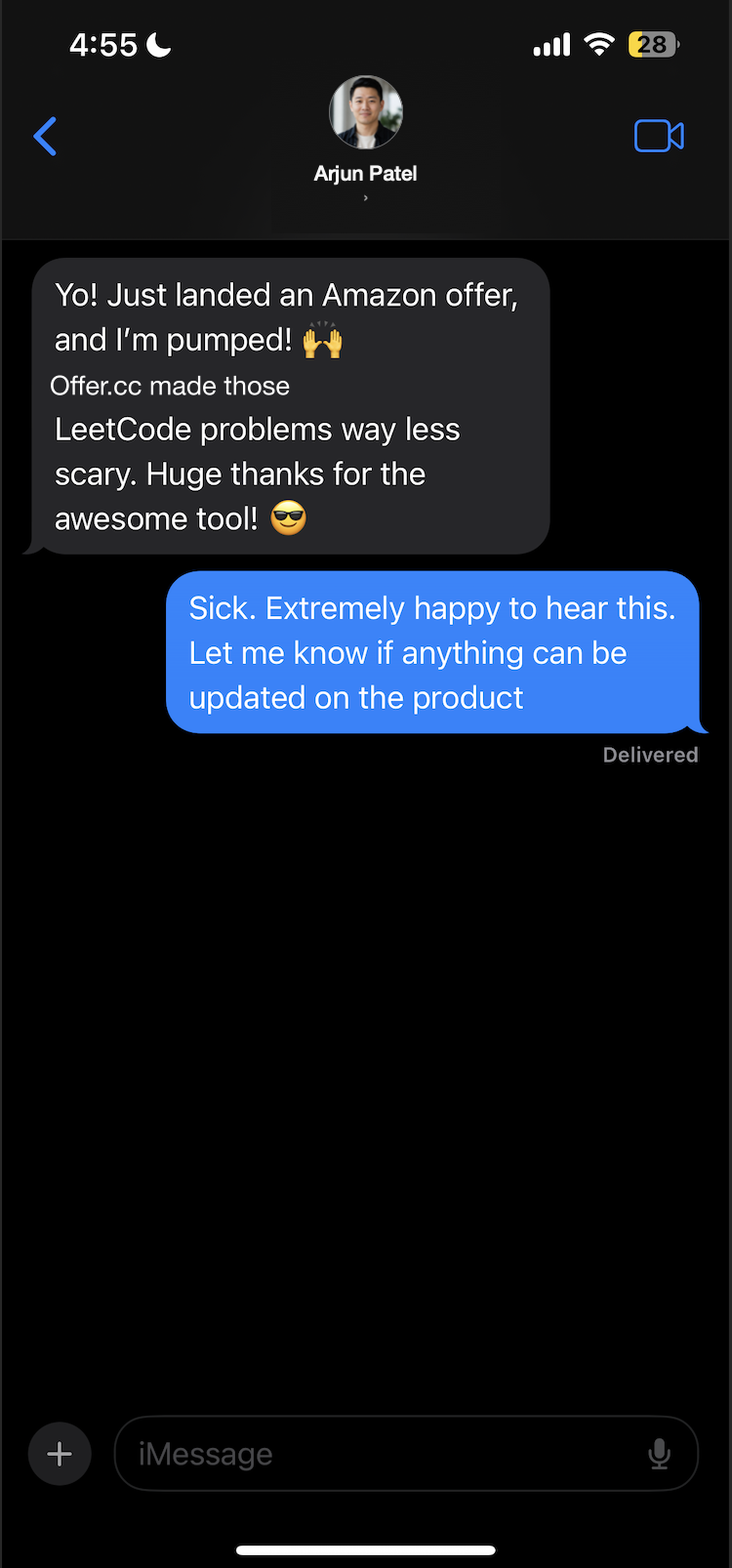
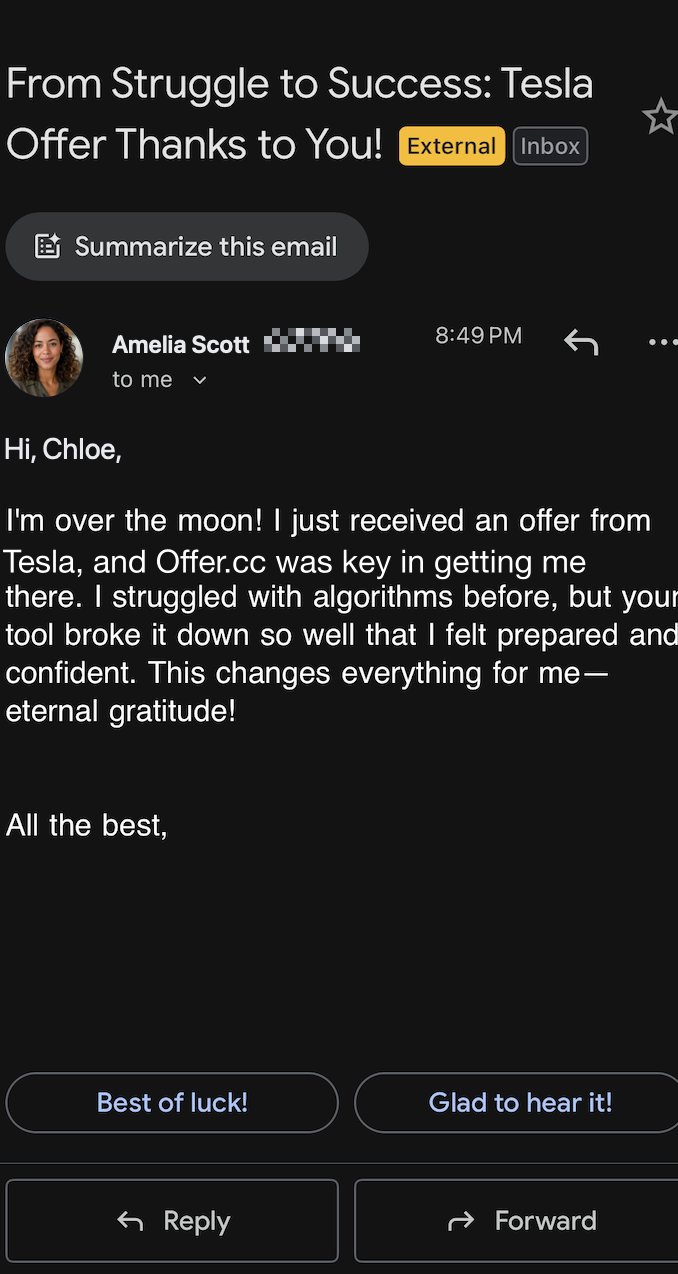
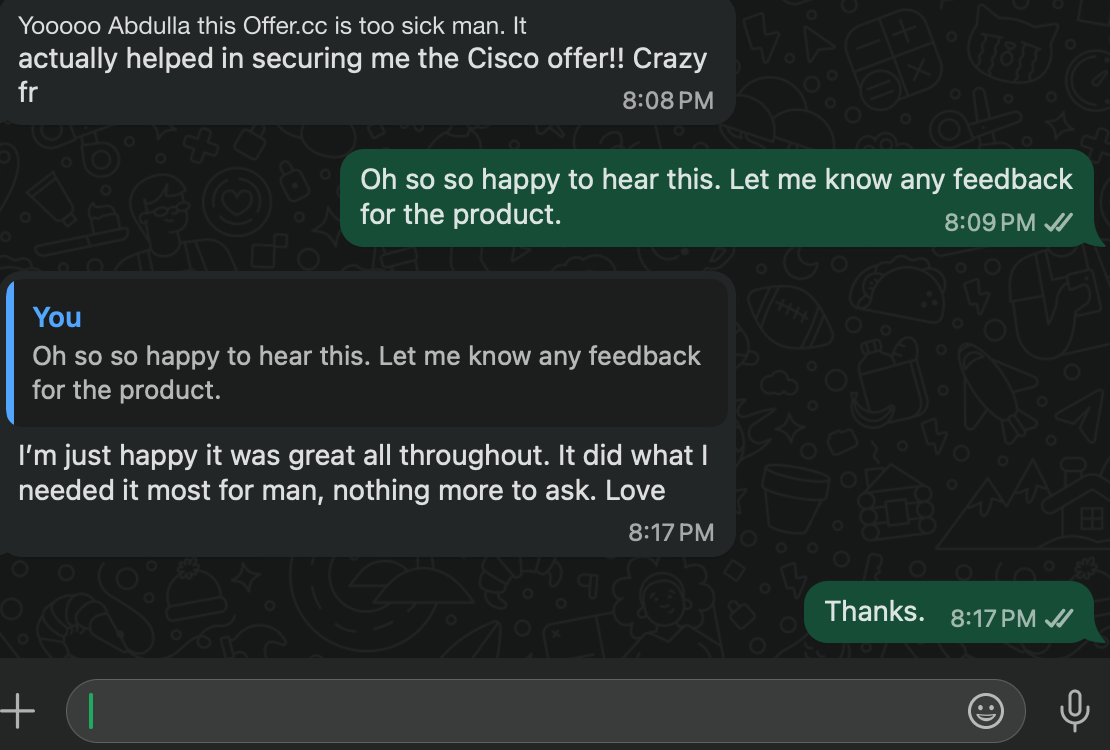
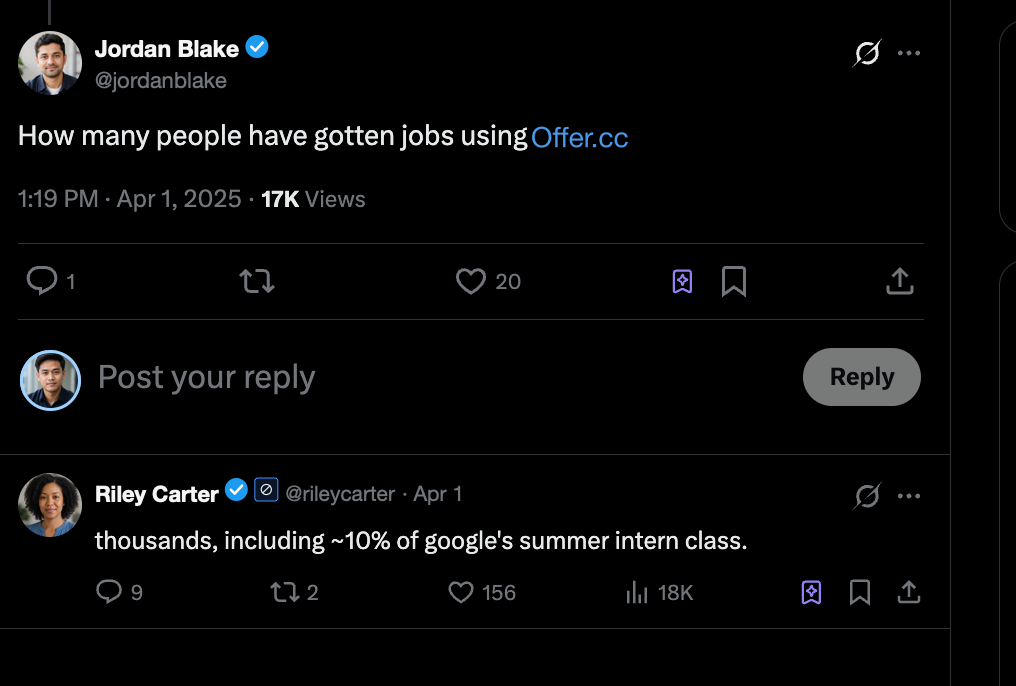
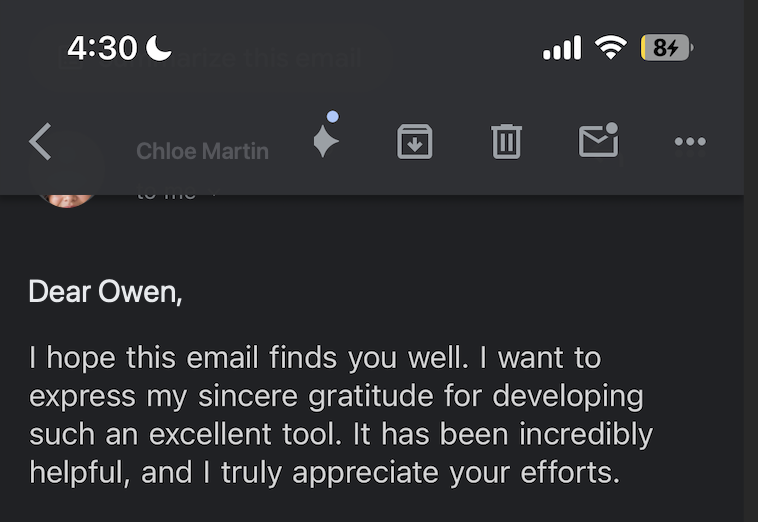
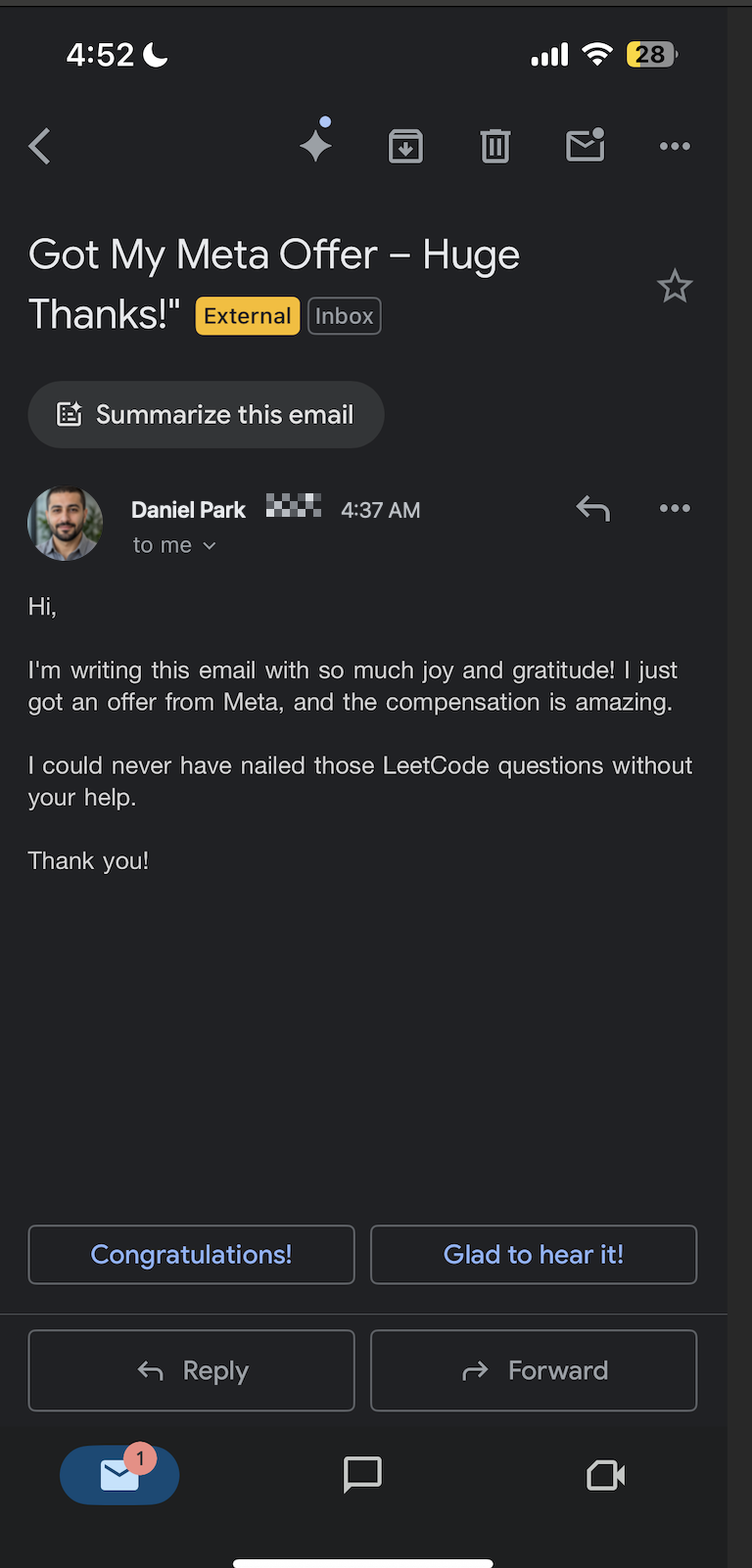
Inspect OfferCC in real interview recordings, user feedback, and offer results, then compare that proof with MeetAssist.
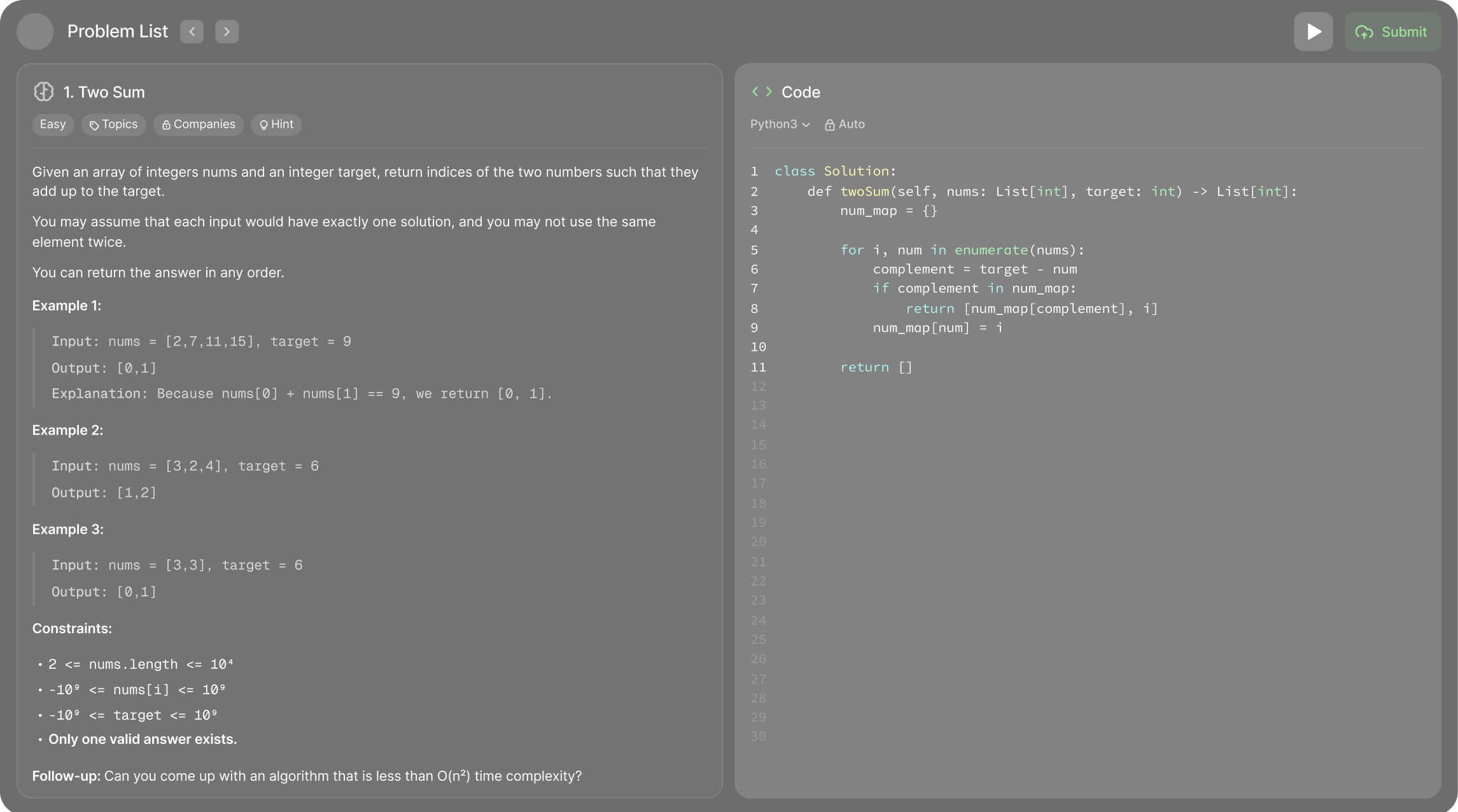
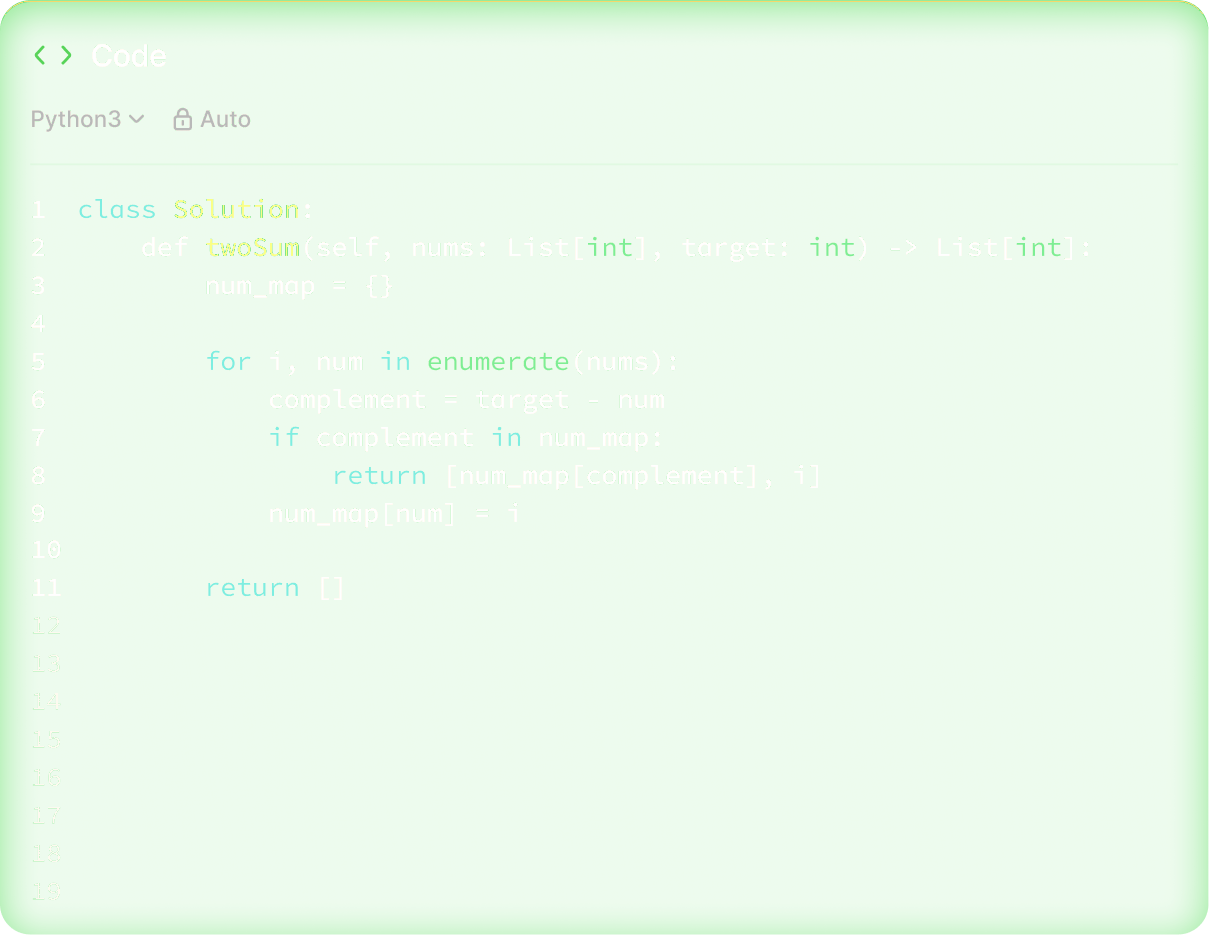
OfferCC coding responseProblem, approach, code, and complexity in one view
OfferCC working in real interviews
Works smoothly in real interviews across engineering, product, data, and more.
Trusted by 150,000+ candidates
From internships to staff roles across FAANG, big tech, quantitative firms, and beyond.
and more...
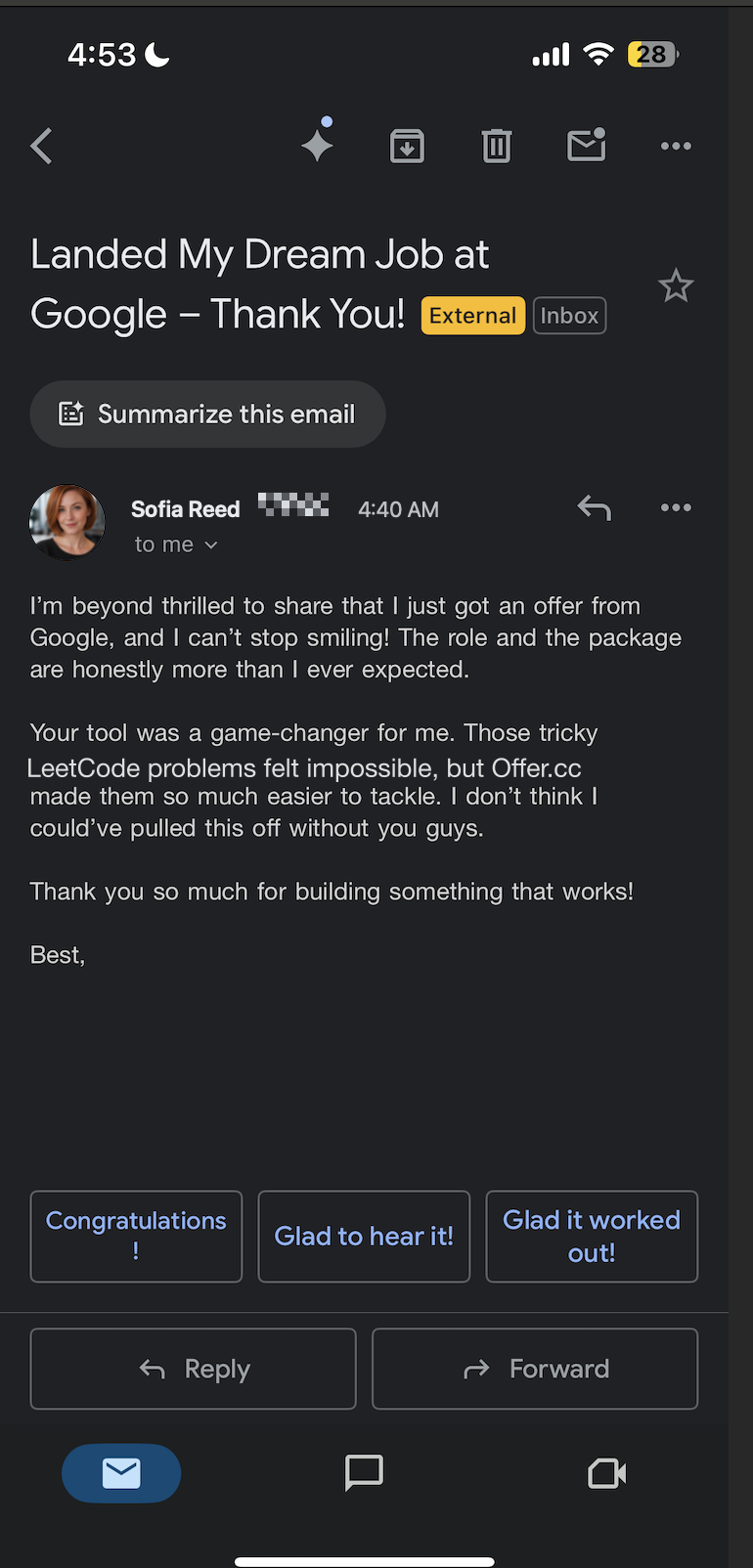
10,000+ candidates landed job offers with OfferCC
Adobe
Cracked $174k/yr job at Adobe
with help of OfferCC
Amazon
Cracked $182k/yr job at Amazon
with help of OfferCC
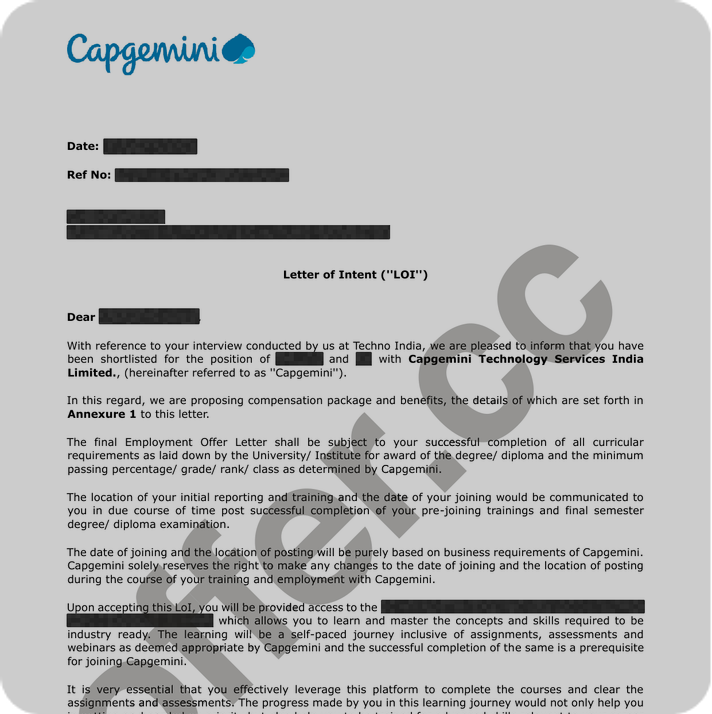
Capgemini
Cracked $95k/yr job at Capgemini
with help of OfferCC
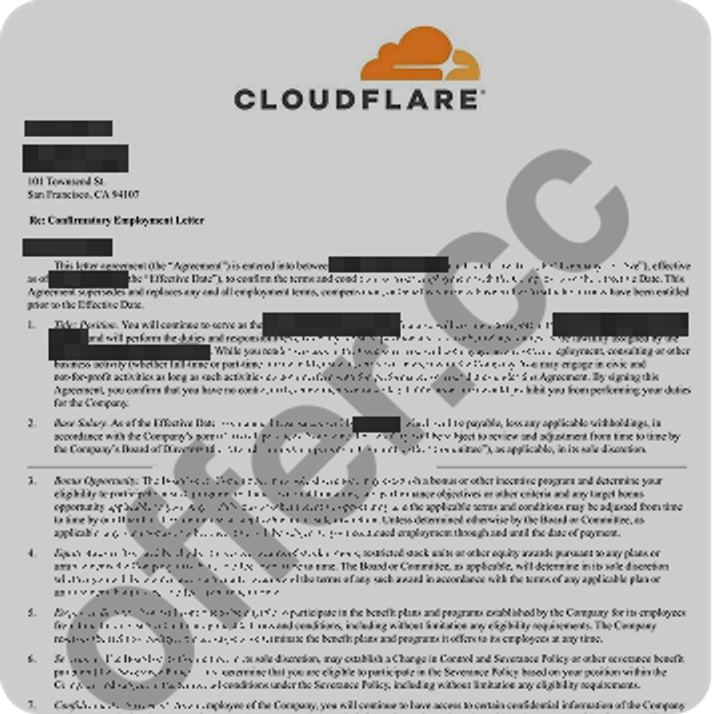
Cloudflare
Cracked $205k/yr job at Cloudflare
with help of OfferCC
Adobe
Cracked $174k/yr job at Adobe
with help of OfferCC
Amazon
Cracked $182k/yr job at Amazon
with help of OfferCC
Capgemini
Cracked $95k/yr job at Capgemini
with help of OfferCC
Cloudflare
Cracked $205k/yr job at Cloudflare
with help of OfferCC
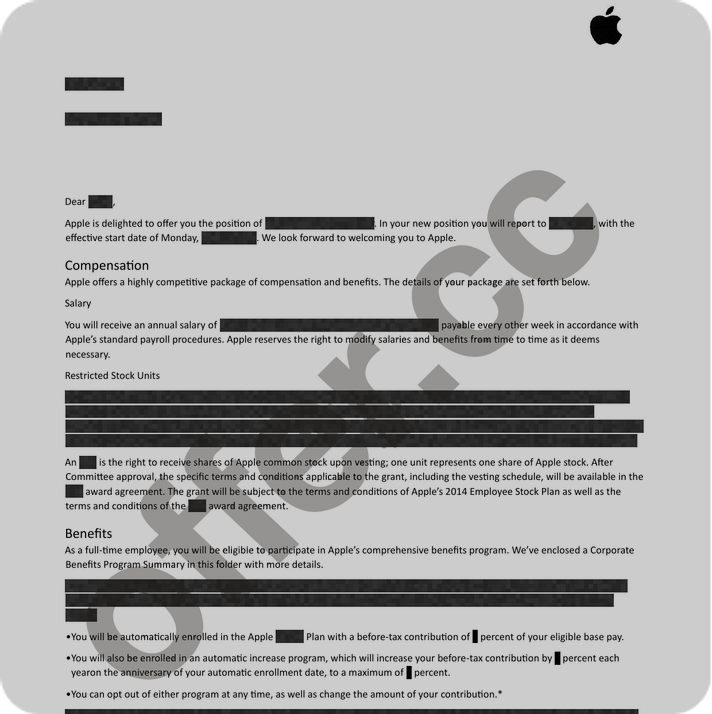
Apple
Cracked $234k/yr job at Apple
with help of OfferCC
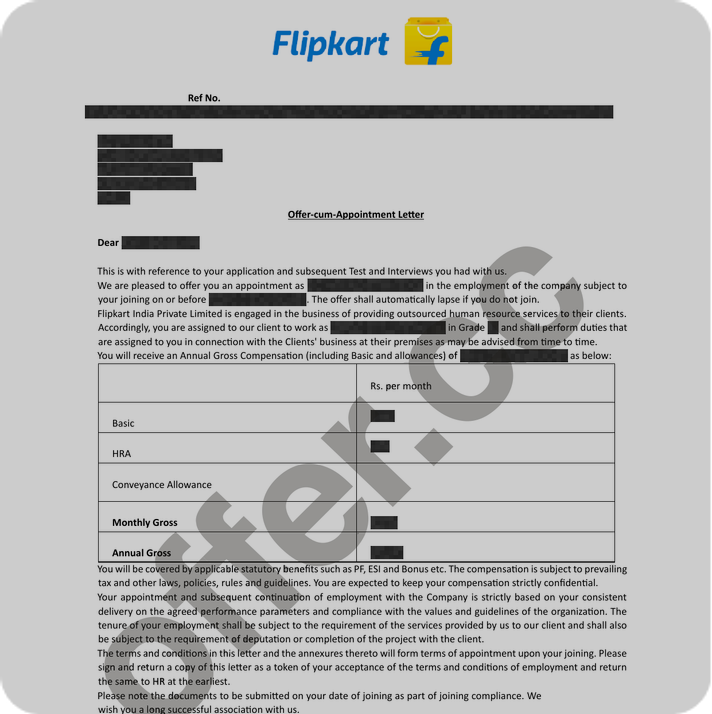
Flipkart
Cracked $85k/yr job at Flipkart
with help of OfferCC
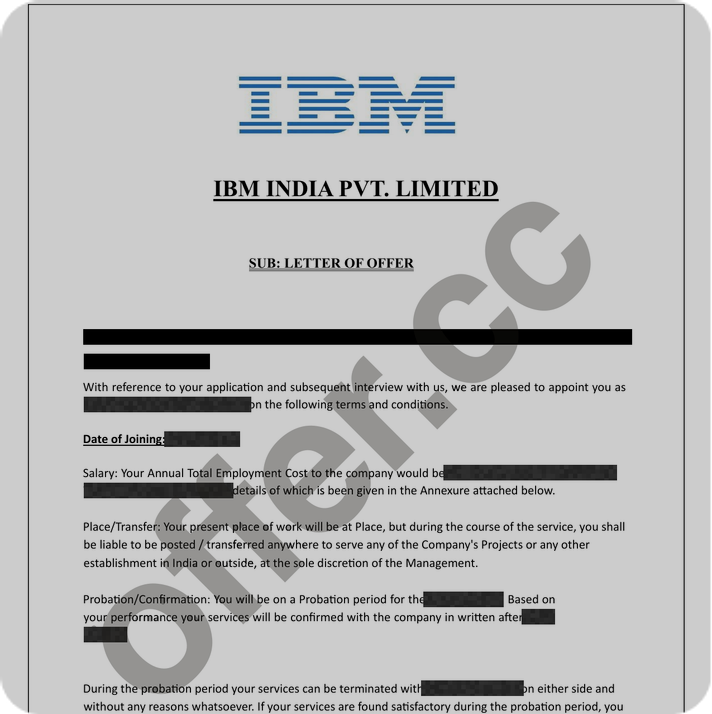
IBM
Cracked $175k/yr job at IBM
with help of OfferCC
Microsoft
Cracked $185k/yr job at Microsoft
with help of OfferCC
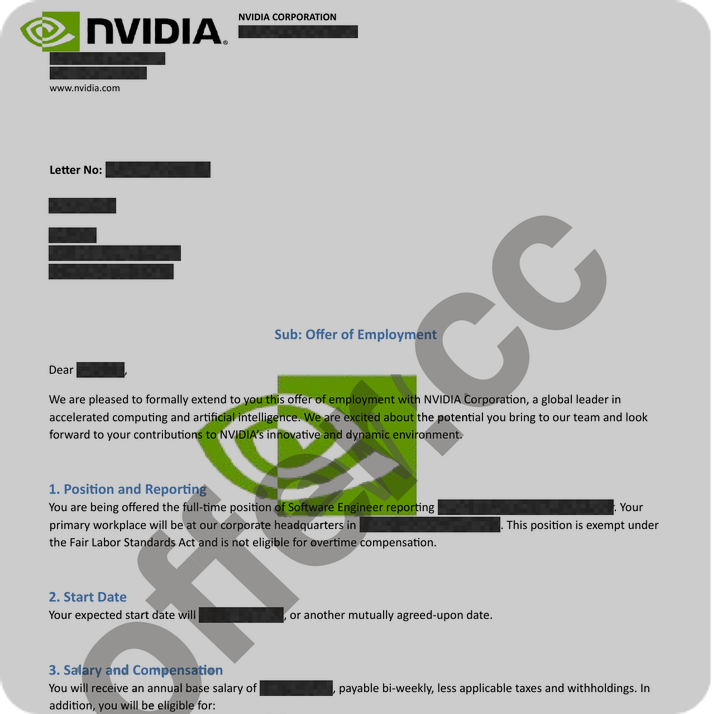
NVIDIA
Cracked $196k/yr job at NVIDIA
with help of OfferCC
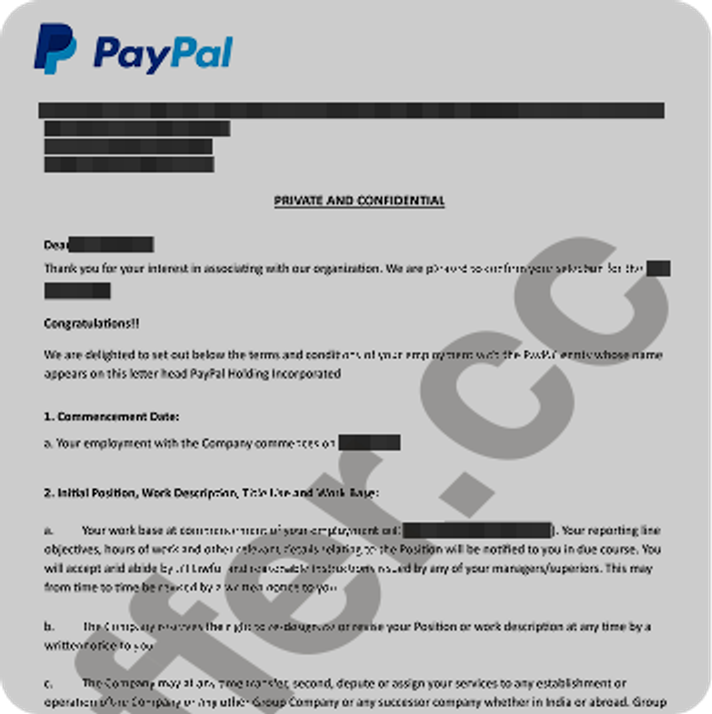
PayPal
Cracked $173k/yr job at PayPal
with help of OfferCC
Roblox
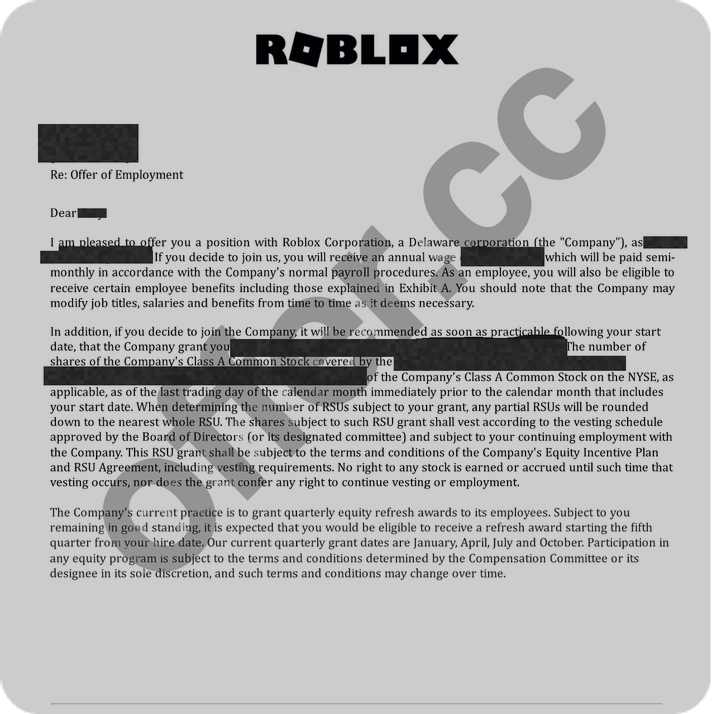
Cracked $222k/yr job at Roblox
with help of OfferCC
Snowflake
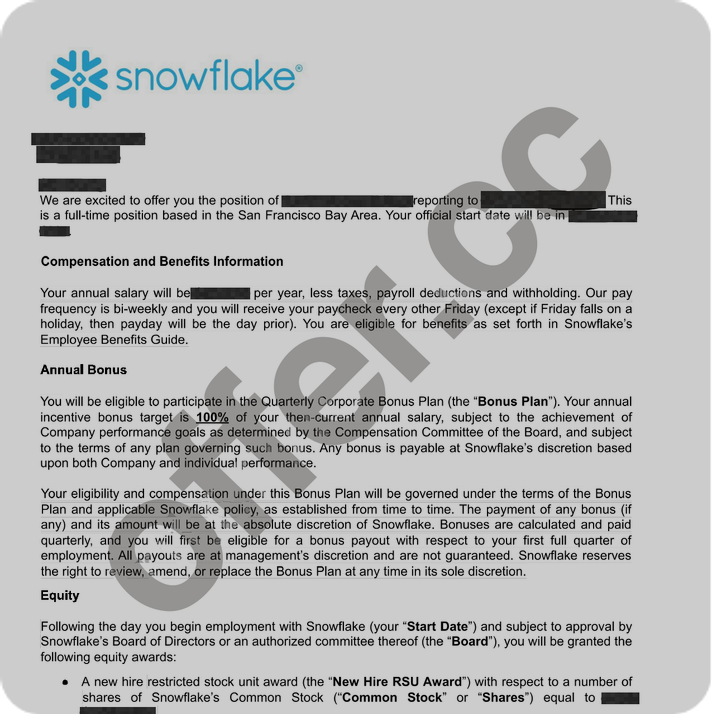
Cracked $234k/yr job at Snowflake
with help of OfferCC
OfferCC vs MeetAssist: frequently asked questions
Six direct answers based on the same public sources used in the comparison.
OfferCC: Real-time AI for live interviews. It follows the whole conversation, uses your resume and target role to write answers you can say out loud, and gives you the approach and code for coding problems. MeetAssist: Its homepage describes an undetectable AI interview assistant that listens to both sides of a live interview, builds answers from your CV, job description, and Answer Bank, and claims the desktop app stays invisible on screen share for Zoom, Google Meet, Teams, and similar call apps—without joining the call as a bot.
OfferCC: Buy minutes for your upcoming interviews. Live listening, generated answers, and coding assistance use the same account balance. See the pricing page for current plans and prices. MeetAssist: Official pricing and Terms describe one-time payments only (no subscription / nothing renews): a free trial with limited free minutes and no credit card required, then paid options structured as a minute pack, an Unlimited Week pass, and an Unlimited Month pass. Minutes are counted only while a session runs. Check the live pricing page for current amounts and allowances.
OfferCC: Desktop apps are available for macOS and Windows. The macOS app requires macOS 14.2 or later and supports Intel and Apple Silicon. Check the download page for installers and current requirements. MeetAssist: Official download and FAQ pages describe a desktop app for macOS 13 Ventura or later (one universal download for Apple Silicon and Intel) and Windows 10 or 11, 64-bit, plus a Chrome extension for desktop Chrome (including a Linux browser path). The site claims the desktop app stays hidden from screen share and recordings, while the Chrome extension is visible if you share that screen or tab. Phone Mode shows answers on a phone browser via QR with no app install. No Linux desktop app yet.
OfferCC: Behavioral and system-design questions get spoken answers. Coding problems get an approach, code, and complexity. MeetAssist: Official FAQ and coding pages cover live interviews across roles: behavioral (including STAR / Answer Bank stories), technical follow-ups, live coding on platforms such as LeetCode, HackerRank, and CoderPad, system design, SQL/data, product and case interviews, online assessments, and salary questions, with Analyze reading on-screen tasks for approach, code, and complexity.
OfferCC: During the interview, each follow-up uses the earlier conversation to write the next answer. The Q&A view closes when the session ends. MeetAssist: Official pages describe post-interview continuity: after a qualifying real interview, an email report with the questions, how you answered, and how to improve, plus dashboard transcripts you can download when Save transcript is on. Setup also offers a “See how it works” sample-question practice path that uses session minutes. A separately branded Interview Debrief / score-report product page was not found on the reviewed official URLs.
OfferCC: OfferCC does not save raw audio in its own storage, but streams it to a speech-processing provider. A screenshot you trigger is held in current-session memory and sent to Alibaba Cloud to recognize the problem; OfferCC does not save the original image or an image URL. Recognized text and generated Q&A are saved. A screenshot used to correct an answer is sent through Vercel to Google Cloud for that correction only and is not kept in history. MeetAssist: The privacy notice (Effective 2026-10-25) is issued by MeetAssist OÜ (Estonia). It states audio is streamed for transcription and discarded (never stored), and Analyze screenshots are sent to the AI model and not kept; CV, context, and transcripts are kept in the account for personalization and review unless you turn off Save transcript. It lists providers including Deepgram for speech-to-text and OpenAI, Anthropic, Google (Gemini), Groq, Cerebras, and SiliconFlow for answers/Analyze. It describes a public question bank built from saved interviewer questions (with rewrite/de-identification and account opt-out) and using feedback/session statistics to improve answers. It does not publish an explicit model-training clause using the word “train” on the reviewed notice—read the live Privacy Policy and Terms before you buy.
Choose a current plan on the pricing page. The live page shows what each plan includes and what it costs; the checkout shows the available payment method.
This page is based on public information from both products and the current OfferCC feature set. Competitor pricing, plans, and features can change. Check the competitor’s website for the latest details.